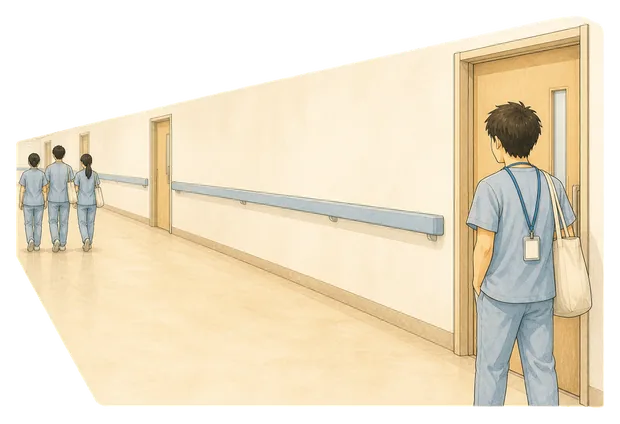
The corridor
Your group set off without you fifteen minutes ago. Catching up means walking in behind everyone, which is its own small cost.
Mornio for nursing students
Mornio is an iPhone alarm for people who turn the alarm off without really remembering it. To dismiss it you get up and scan a code you left across the room. Then, a few minutes later, it checks you are still up. Set it for a 4:45 early or a 2pm before nights.
See the morning it is built for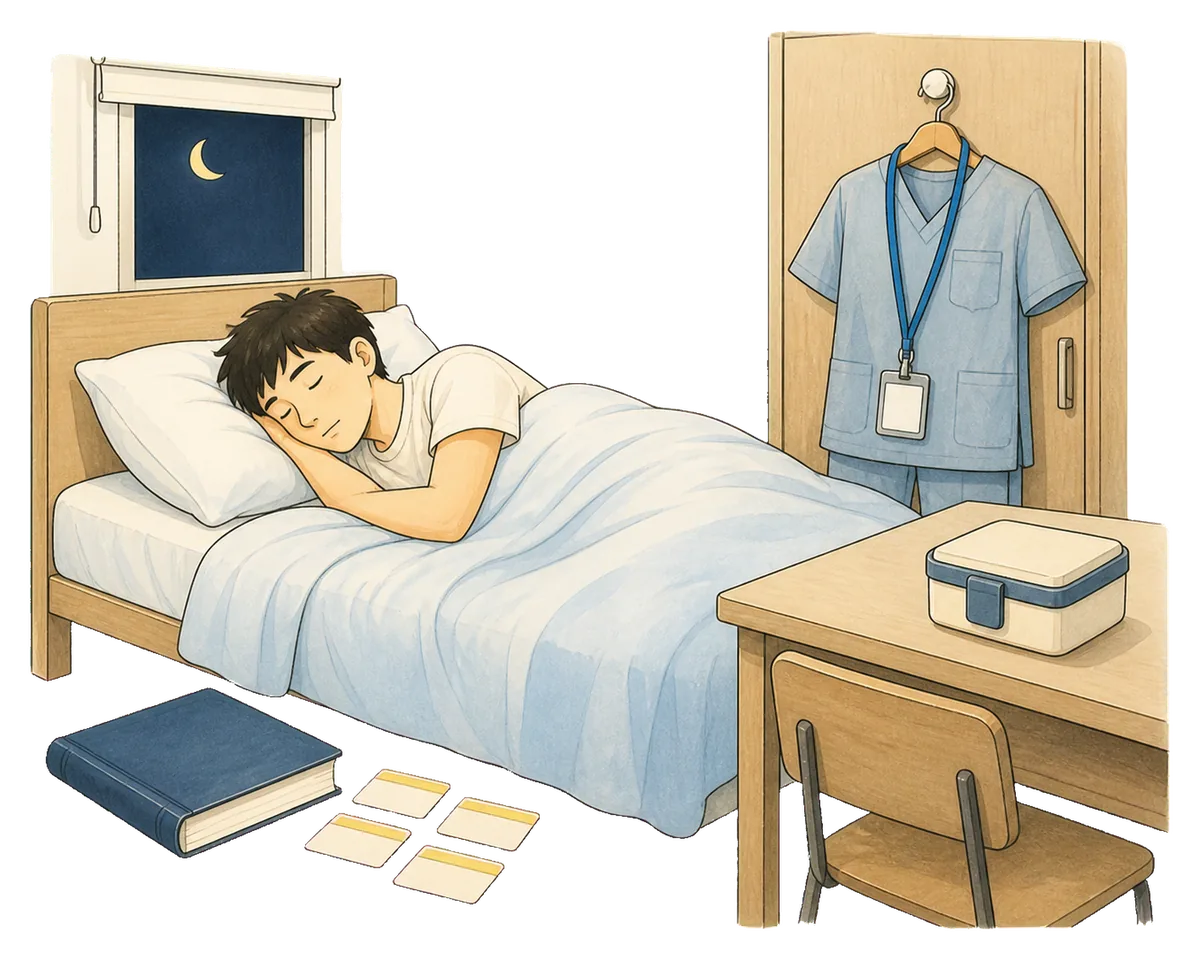
4:45AM
Scrubs on the hanger. Lunch made. Flashcards done, or done enough. The alarm set by someone who knew exactly how early this was going to be and did it anyway.
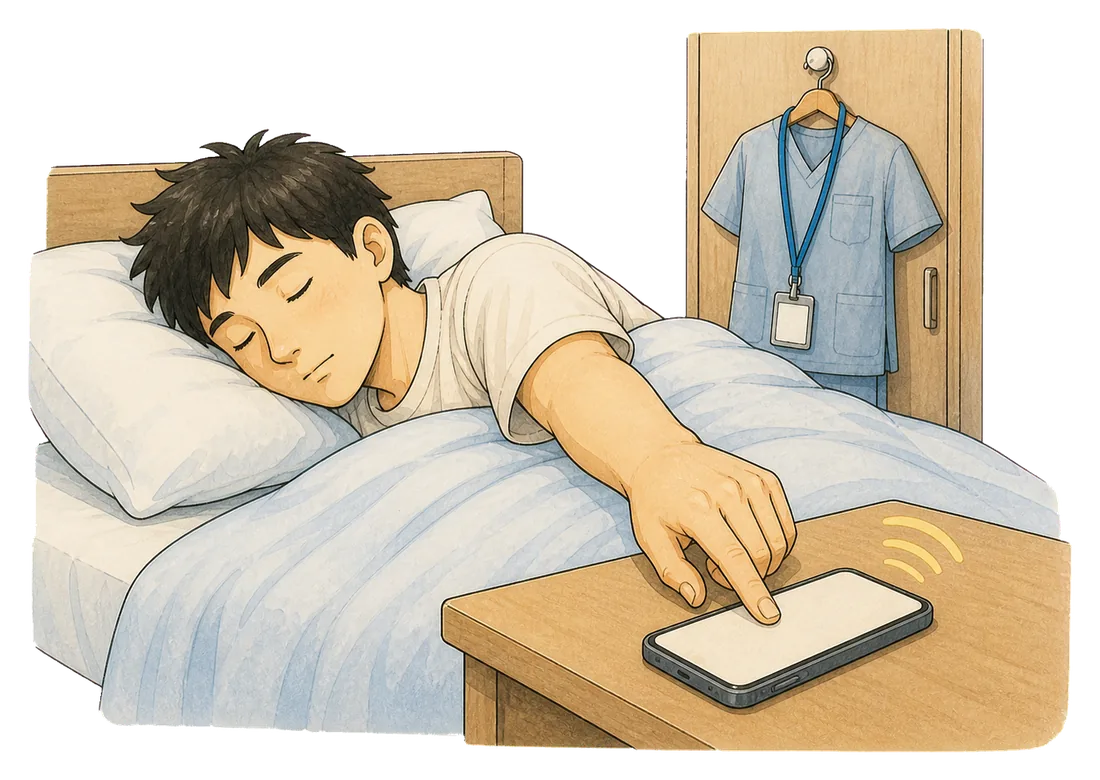
And then a hand you were not really steering found the phone and ended it, in a moment that will not be there when you go looking for it.
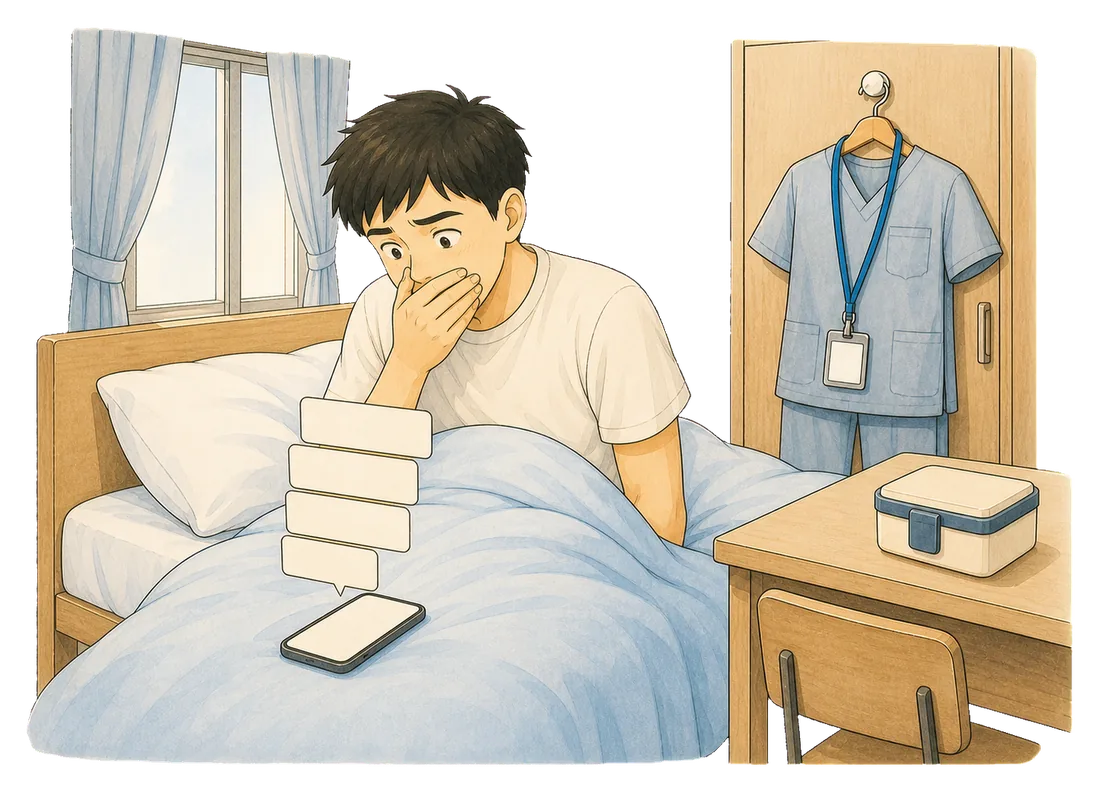
6:14AM
Someone from your cohort, then the group chat, then the one you do not want to open. The scrubs are still on the hanger, which is how you already know.
You are awake now, completely, and the only useful thing left to do with that is move.
Scrubs, lanyard, fob watch, lunch you will not eat, trainers half on. Out of the door in four minutes into a journey you would rather have done slowly.

What it actually costs
A missed lecture is between you and the recording. A missed placement morning is counted, signed for, and noticed by a person who is assessing you.
Your group set off without you fifteen minutes ago. Catching up means walking in behind everyone, which is its own small cost.

Nobody shouts. They just note it, and the note goes into how you are getting on. Being noticed is the whole pressure here.
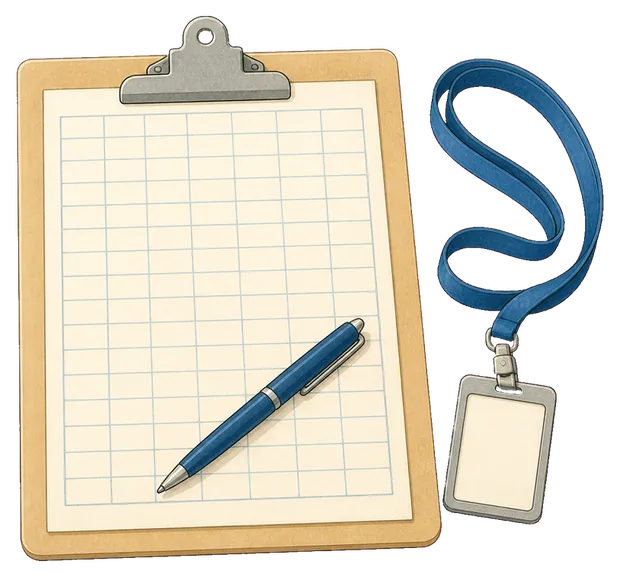
They are counted, and the total has to be reached. A morning missed does not vanish, it moves to a week that was already full.

Placement sits on top of assignments and often on top of a job. The morning you lose is taken from something that was already tight.
It is that it is too easy to finish. One swipe and the whole system is over, decided by the least awake version of you, at the end of a week that already took everything.
Three steps, and every one of them can be done with your eyes shut and no memory of it afterwards.
Stopping the alarm takes a waking action, in another part of the room. And dismissing it is not the end of the process.
How it works
Three things happen, and the third one is the part other alarms skip.
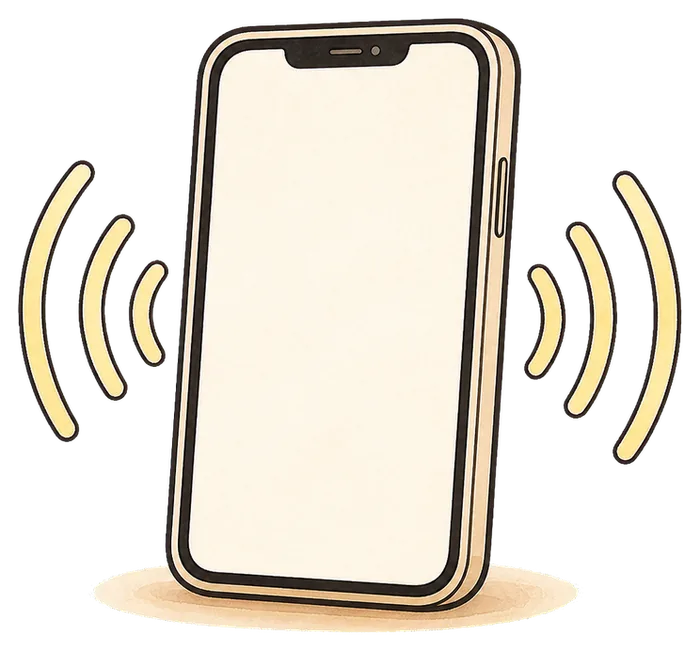
Built on Apple’s system alarm, so it sounds through silent mode, a Focus and a locked screen. That last part matters if your phone lives on silent between shifts.
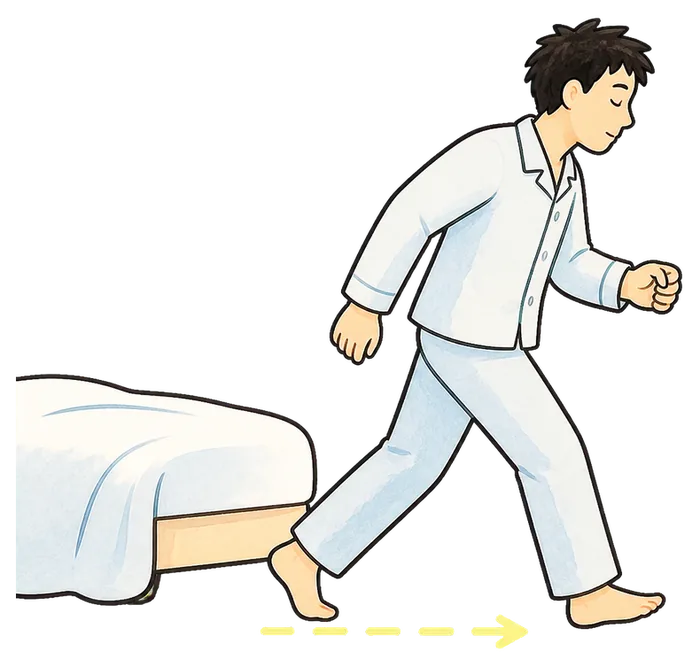
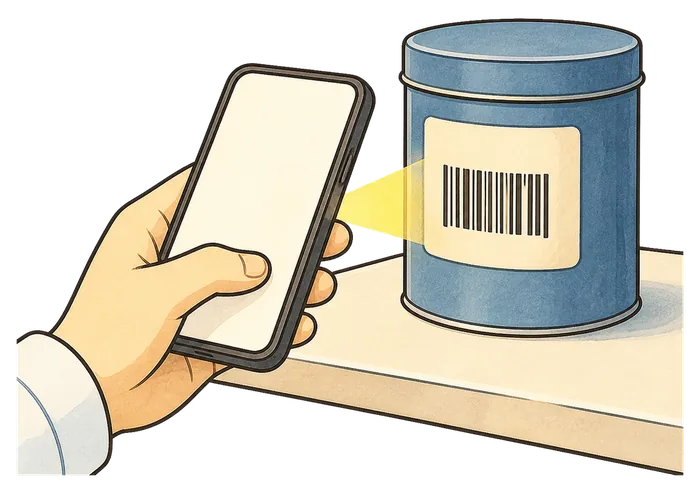
Dismissing the alarm means reaching the code you registered, wherever you chose to leave it. Only that exact code works, so there is no shortcut from under the duvet.
A few minutes after you dismiss it, the stay-awake check asks you to confirm you are still up. No answer, and protection restarts.
The bit that catches people out
Placement moves you around. A code taped to the bathroom mirror at home is useless the week you are staying somewhere else, and that is exactly the week the alarm matters most. Register up to three, and make at least one of them portable.
Up to two backup items can be registered alongside the first, so three codes in total. Need one to print? Our free QR code generator makes one in the browser and never sends it anywhere.
The honest way to try it
Everything about waking up sounds manageable when nothing is counting. Use it on three placement mornings, which is what the free trial is for.
Day one
Set the alarm, register a code, and find out what it feels like to have to stand up to stop the noise.
Day two
Register a backup on something that comes with you, so the setup survives the next change of address.
Day three
Did you arrive with time to find the right ward and put your bag down? That is the whole question.
Three wake-ups are free, with every Pro feature included. No account, no card.
Plans
Start on the free trial. Decide afterwards, on evidence.
No card, no account
Enough to test it on a real placement start before you decide.
Monthly or annual, shown in the App Store
Your first three wake-ups include every Pro feature, free.
Being straight about the limits: Mornio reduces the chance that a half-asleep dismissal costs you a placement morning. It cannot promise you will never oversleep, it cannot help if the phone is off or flat, and there is a deliberate emergency dismissal. It is not a medical device and makes no claim about fatigue, sleep quality or safety at work. It needs iOS 26.1 or later, there is no Android version, and there is no student discount.
Pricing is shown in the App Store and may vary by region. Subscriptions renew until cancelled and can be managed in your Apple account. See the Terms of Use and Privacy Policy.

4:52AM
Set Mornio tonight. Put the code somewhere that comes with you to the next placement. Then find out what the day feels like when you arrive before your supervisor is looking for you.
Questions
Yes. Alarms are set individually, so a 4:45 early and a 2pm before nights are just two alarms. There are no streaks to keep and no penalty for a day off, which matters when the pattern changes with every rotation.
This is the main thing to plan for. Register up to two backup scan items, so three codes in total, and make at least one of them something you take with you. A barcode on a shampoo or toothpaste bottle travels between addresses; a printed code taped to a mirror at home does not.
Yes. Mornio’s alarm is built on Apple’s AlarmKit, the system alarm framework, so it sounds through silent mode, Focus and a locked screen. That matters if your phone lives on silent out of habit between shifts. It is also why Mornio requires iOS 26.1 or later and is iPhone only.
That is what the stay-awake check is for. A few minutes after you dismiss the alarm, Mornio asks you to confirm you are still up. You pick the delay when you create the alarm, or switch it off. If you do not respond, Mornio restarts protection.
Yes, and the stay-awake check is arguably more useful there than in the morning. Waking from a nap can leave you groggy for a while, and that window often lands exactly when you are travelling in, so a check a few minutes later is worth having. Our shift worker guide covers the published advice on this and links its sources.
No. There is no sign-up, no email and no password. Your alarms and registered codes stay on your iPhone.
No. Mornio is iPhone only. The reliable alarm is built on Apple’s AlarmKit, which has no Android equivalent, so there is no Android version and none is planned.