
The 9am
One empty seat in a full row. The slides go up afterwards, but the hour where someone explained the hard part does not.
Mornio for students
Mornio is an iPhone alarm for people who turn the alarm off without really remembering it. To dismiss it you get up and scan a code you left across the room. Then, a few minutes later, it checks you are still up.
See the morning it is built for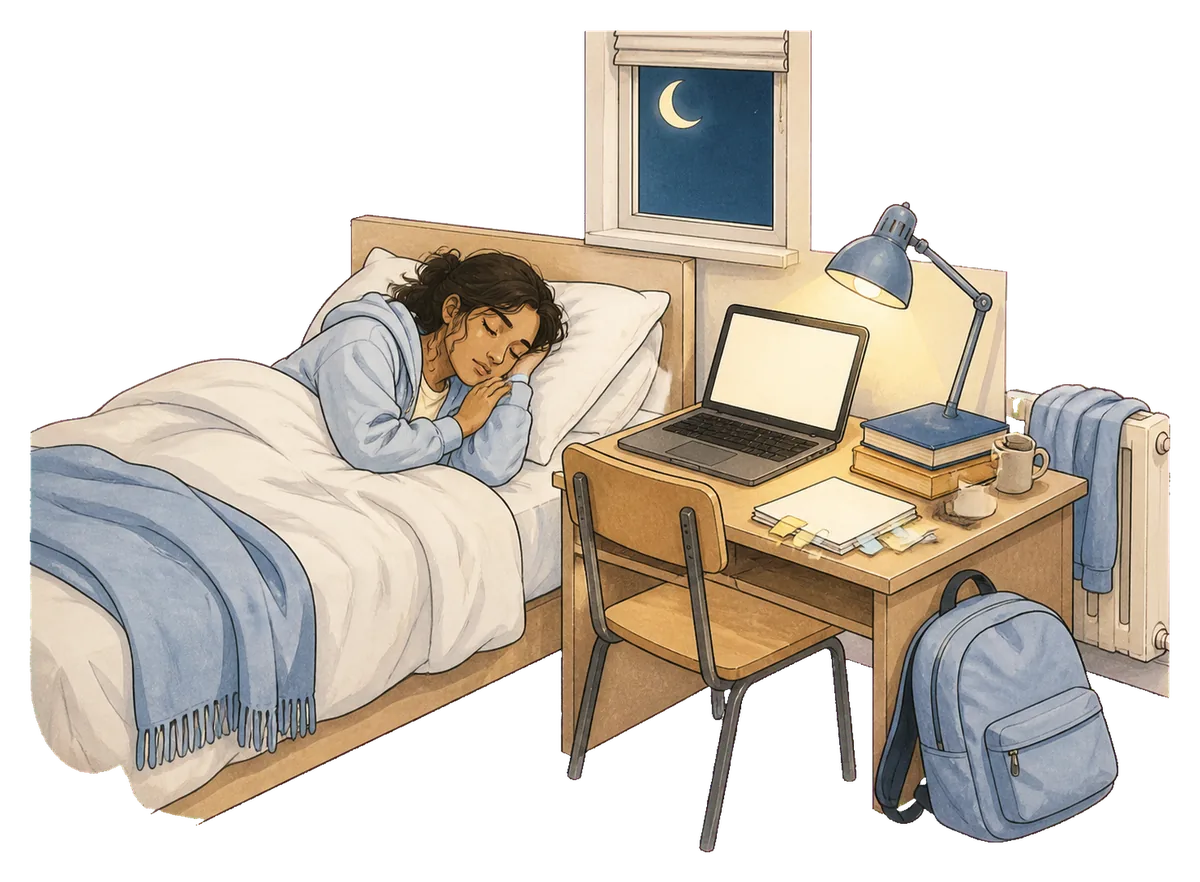
1:47AM
Still at the desk, still going, on the third pass through something you nearly understand. The lamp is on, the mug went cold an hour ago, and you set the alarm before you finally gave up.
Nobody sleeps through a 9am because they did not care. Usually it is the opposite: you were up too late caring.

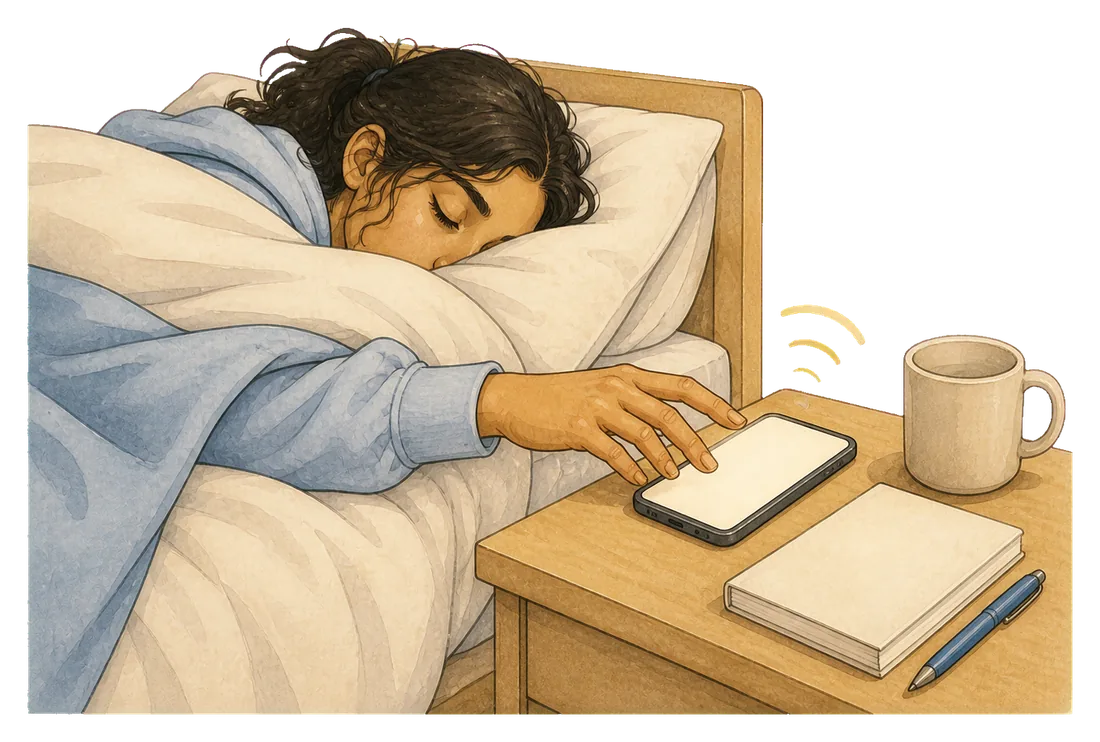
7:00AM
It finds the phone on the first try, past the mug and the notes, and puts everything back the way it was. You are not awake for any of it.
Five alarms were set. This was the first one, and it turns out the other four were never really a plan.
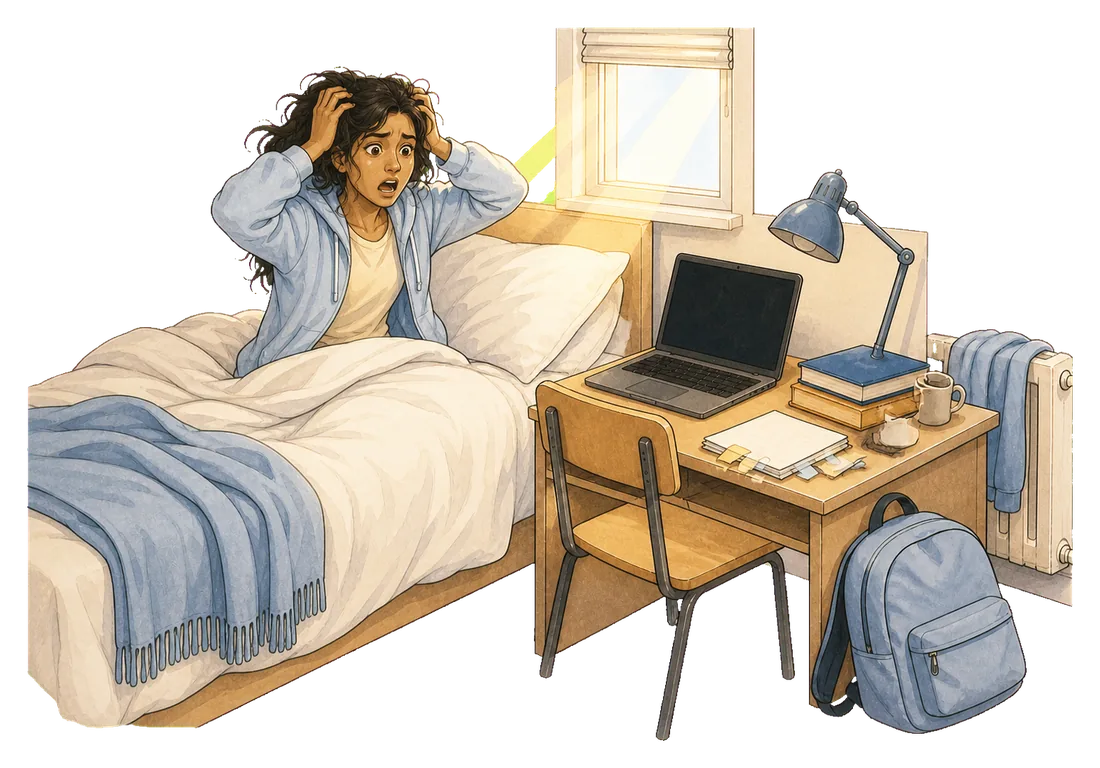
8:38AM
Which is how you know nothing happened. The laptop went dark on its own. The room is far too bright. Whatever was at 9 is either about to start without you or already has.
What it actually costs
Not a telling-off. Nobody rings to ask where you are. That is exactly what makes it easy to keep doing, and expensive by the end of term.
One empty seat in a full row. The slides go up afterwards, but the hour where someone explained the hard part does not.

The one morning with no version of catching up. Everything you did at 1:47 was for this, and the desk does not care.

Where being late is not a private matter between you and a lecturer. Somebody is expecting you, and they will remember.

Ten minutes late leaving becomes forty late arriving, because the next one is not soon and the walk is not short.
Each one is too easy to finish. A stack of five just gives the same reflex five chances, and teaches you the early ones are optional.
All five are reachable from the pillow, and all five can be done with your eyes shut.
Stopping it takes a waking action somewhere else in the room, and dismissing it is not the end of the process.
How it works
Three things happen, and the third is the one that matters if you have ever got up, turned it off and gone straight back.
Built on Apple’s system alarm, so it sounds through silent mode, a Focus and a locked screen. There is no snooze control on it.
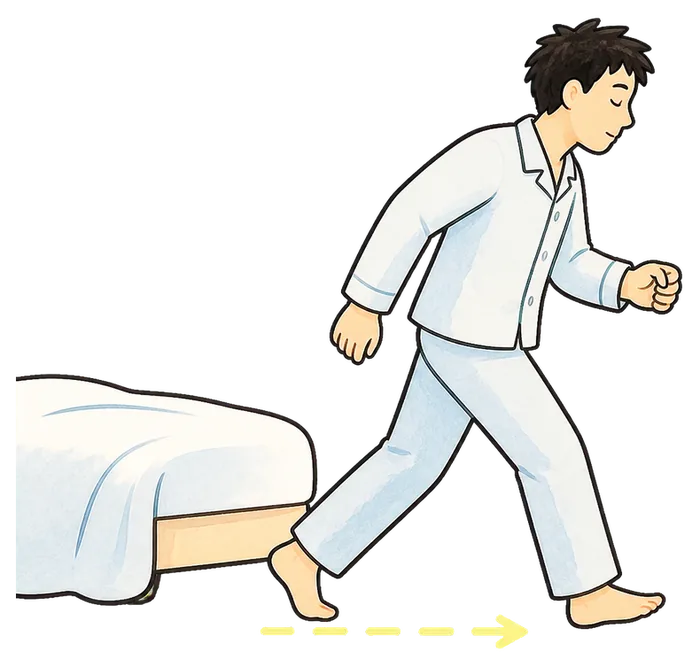
Dismissing it means reaching the code you registered, wherever you chose to leave it. Only that exact code works, so there is no version of this you can do from under the duvet.

A few minutes after you dismiss it, the stay-awake check asks you to confirm you are still up. No answer, and protection restarts.
The awkward bit
Halls and shared houses are the hardest case for this whole idea, and pretending otherwise would be silly. If the desk is an arm’s length from the bed, putting the code on the desk changes nothing. The distance has to come from somewhere else.
Use a printed QR code or an ordinary barcode you already own, like the one on a cereal box. You can register up to two backups, so three codes in total, for when you are staying somewhere else.
The honest way to try it
Every wake-up plan works on a morning that does not matter. Use it on three you actually have to make, which is what the free trial is for.
Morning one
Delete the stack. Set the time you actually need to be up, register a code, and see what having to stand up feels like.
Morning two
If morning one was too easy, the code was too close. In a small room that usually means putting it outside the door.
Morning three
Did you make the thing you set it for? That is the only question, and by day three you can answer it honestly.
Three wake-ups are free, with every Pro feature included. No account, no card.
Plans
Start on the free trial. Decide afterwards, on evidence.
No card, no account
Enough to test it on a real early start before you decide.
Monthly or annual, shown in the App Store
Your first three wake-ups include every Pro feature, free.
Being straight about the limits: Mornio reduces the chance that a half-asleep dismissal costs you the morning. It cannot promise you will never oversleep, it is no louder than any other alarm if you sleep through a phone that is still ringing, and there is a deliberate emergency dismissal. It also needs iOS 26.1 or later and there is no Android version. There is no student discount, and pretending otherwise would be worse than saying so.
Pricing is shown in the App Store and may vary by region. Subscriptions renew until cancelled and can be managed in your Apple account. See the Terms of Use and Privacy Policy.
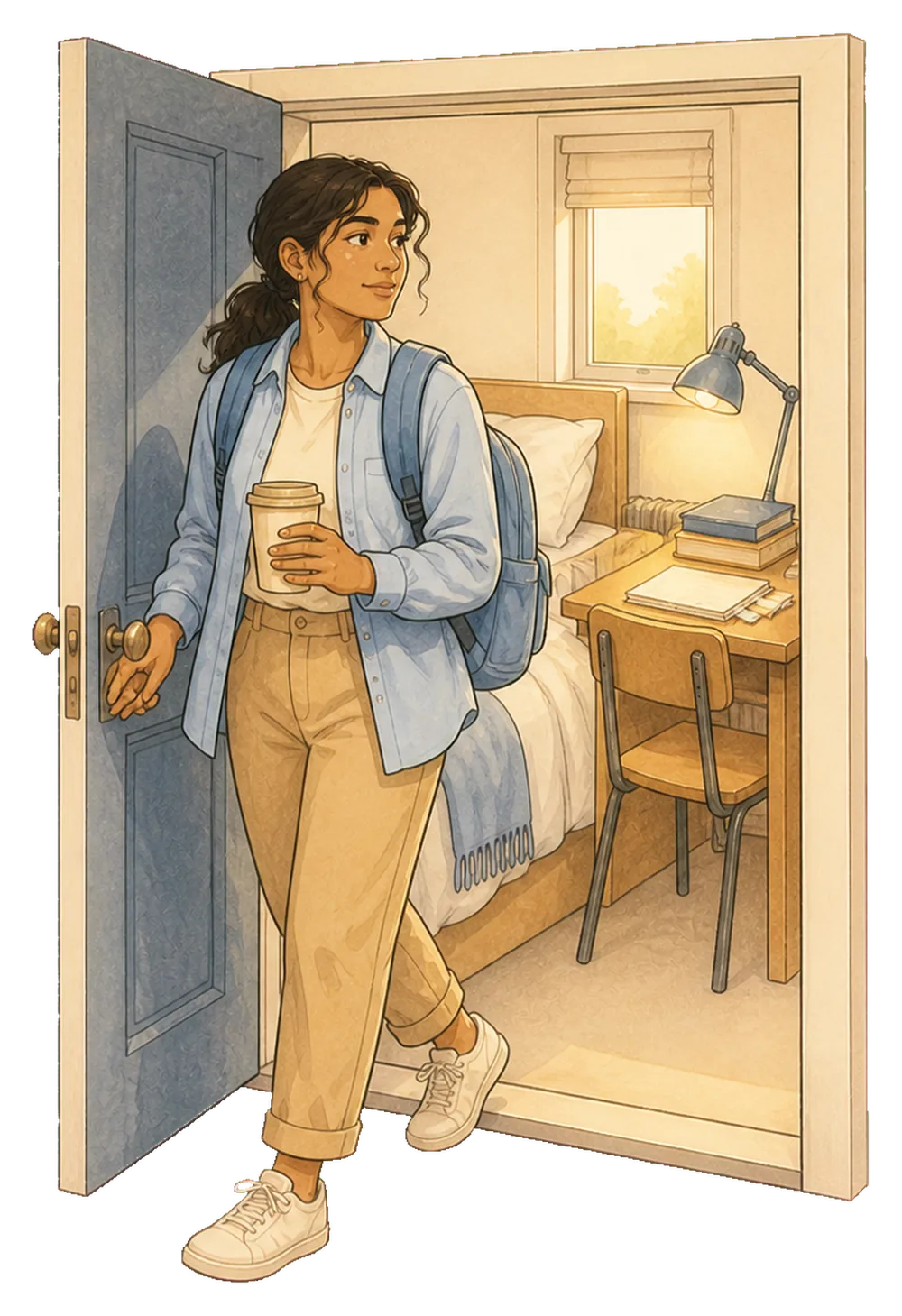
7:06AM
Set Mornio tonight, before the late bit of the night starts. Put the code outside your door or down the corridor. Then find out whether the work you did at 1:47 gets used.
Questions
Yes. Alarms are set individually, so a 9am Monday and an 11am Wednesday are just two alarms. There are no streaks to keep and no penalty for a morning off, which matters when half your week has no early start at all.
This is the real constraint in halls, and worth planning around rather than ignoring. If the room is small, put the code outside it: on the outside of your own door so you have to open it, on the bathroom mirror down the corridor, or in the shared kitchen. Standing up and crossing a threshold is what matters, and in a small room the door is usually the only distance available.
It is a normal alarm at a volume you set, so it is no louder than any other. The difference is that it tends to stop sooner, because you cannot lie there letting it ring while you decide. A stack of snoozed alarms going off every nine minutes for an hour is usually the thing that annoys the person through the wall.
Yes. Mornio’s alarm is built on Apple’s AlarmKit, the system alarm framework, so it sounds through silent mode, Focus and a locked screen. That is also why Mornio requires iOS 26.1 or later and is iPhone only.
Because each of the five is another thing a half-asleep hand can dismiss with the same reflex, and stacking them quietly teaches you that the first few do not matter. One alarm you cannot finish from bed tends to beat five you can.
No, and there is no point pretending otherwise. Pricing is the same for everyone and shown in the App Store. The three free wake-ups are the whole trial, and they include every Pro feature.
No. There is no sign-up, no email and no password. Your alarms and registered codes stay on your iPhone.
No. Mornio is iPhone only. The reliable alarm is built on Apple’s AlarmKit, which has no Android equivalent, so there is no Android version and none is planned.