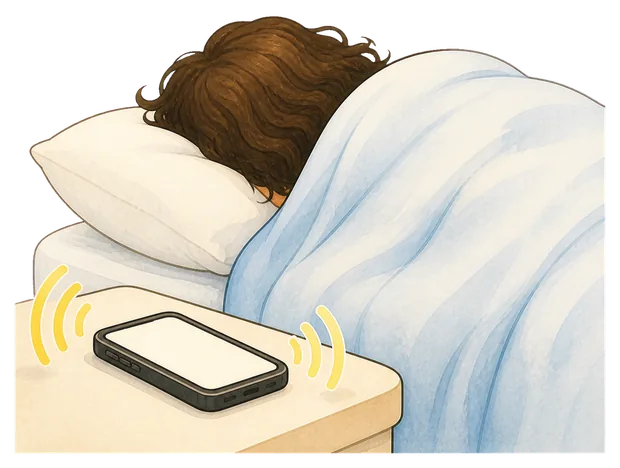
Mornio for heavy sleepers

Six alarms. And you still don’t remember turning any of them off.

Mornio is an iPhone alarm for heavy sleepers who dismiss alarms without ever really waking up. To turn it off you get out of bed and scan a code you left across the room. Then, a few minutes later, it checks you are still up.

Three Protected Mornings free · No account, no card · iPhone, iOS 26.1+

See the morning it is built for

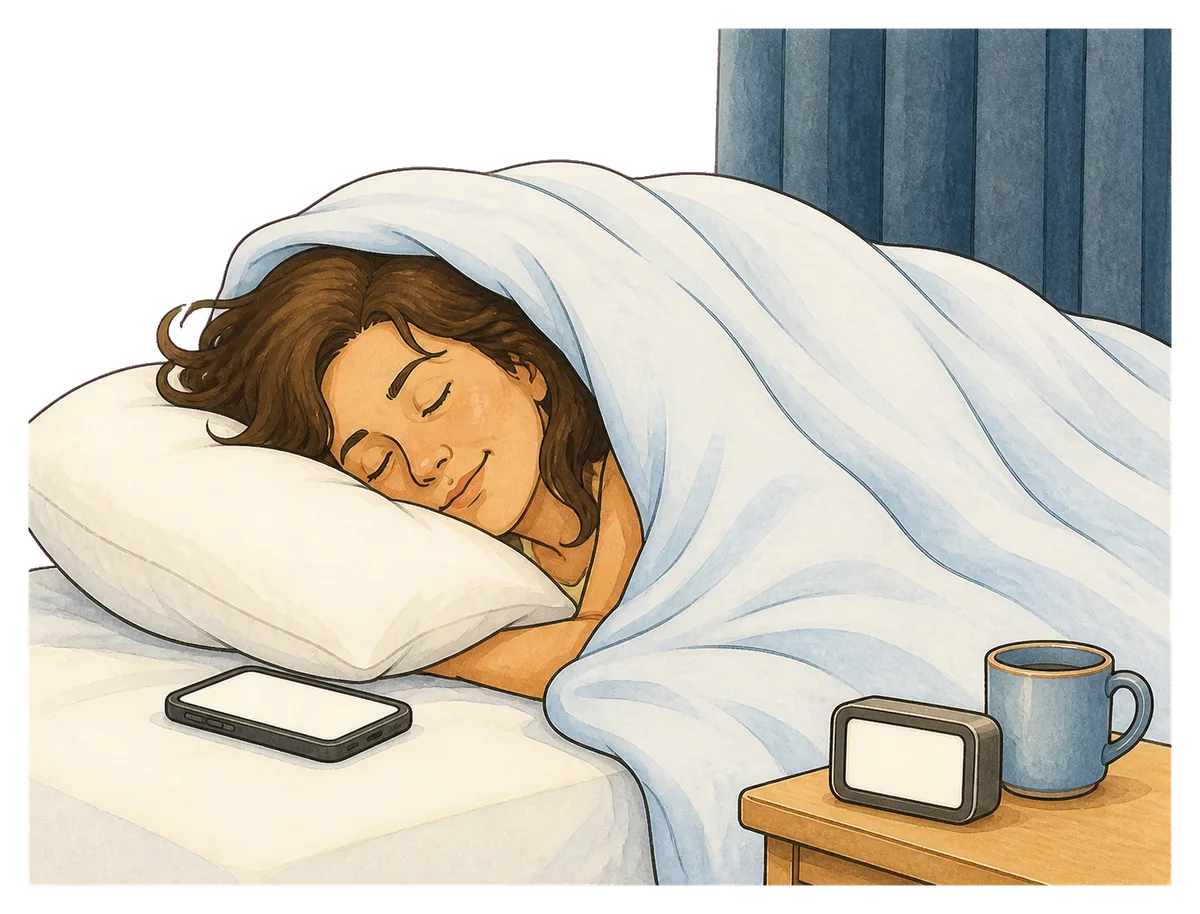
7:00AM

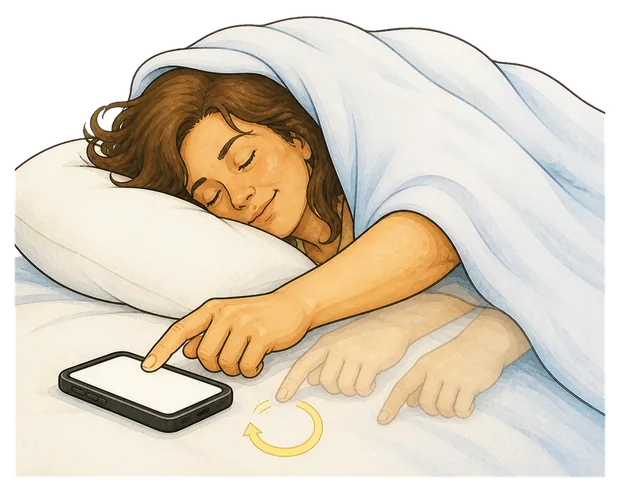
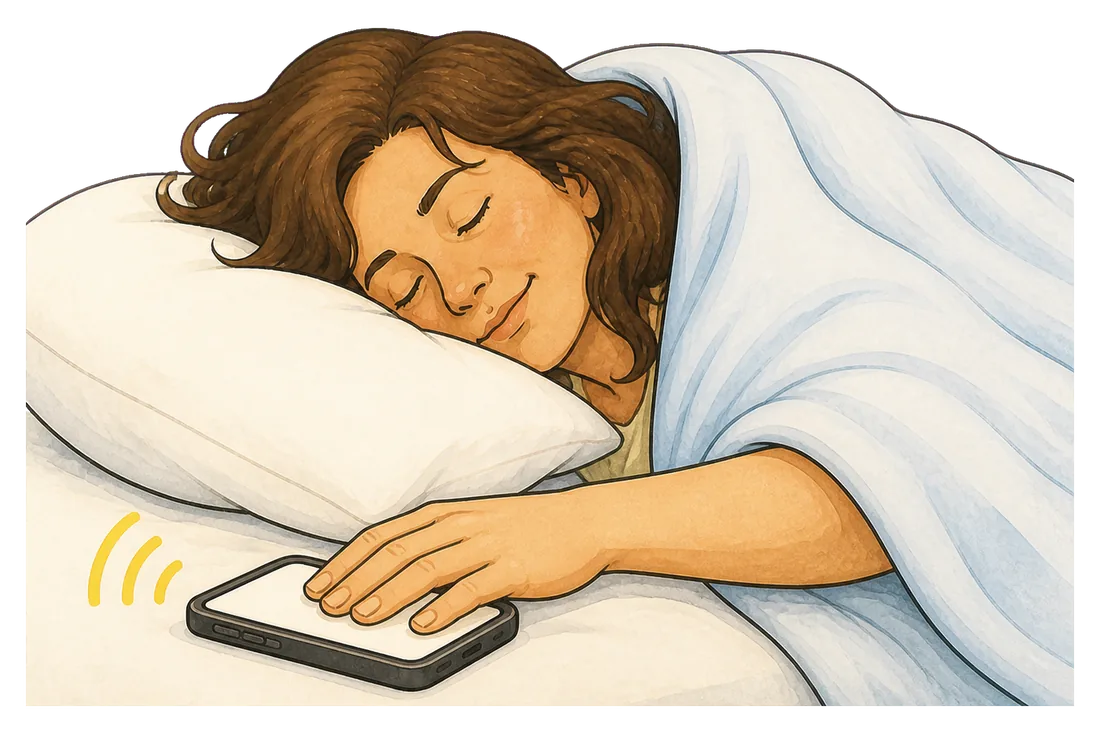
Your hand knows exactly where the phone is.

It has done this before. It finds the phone, finds the button, and puts the room back the way it was. You are not awake for any of it.

The strange part is not that you moved. It is that none of it reached the part of you that decides things.

8:26AM

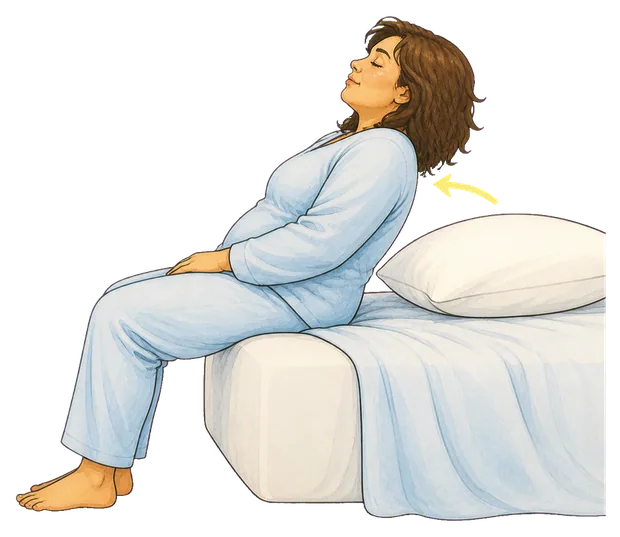
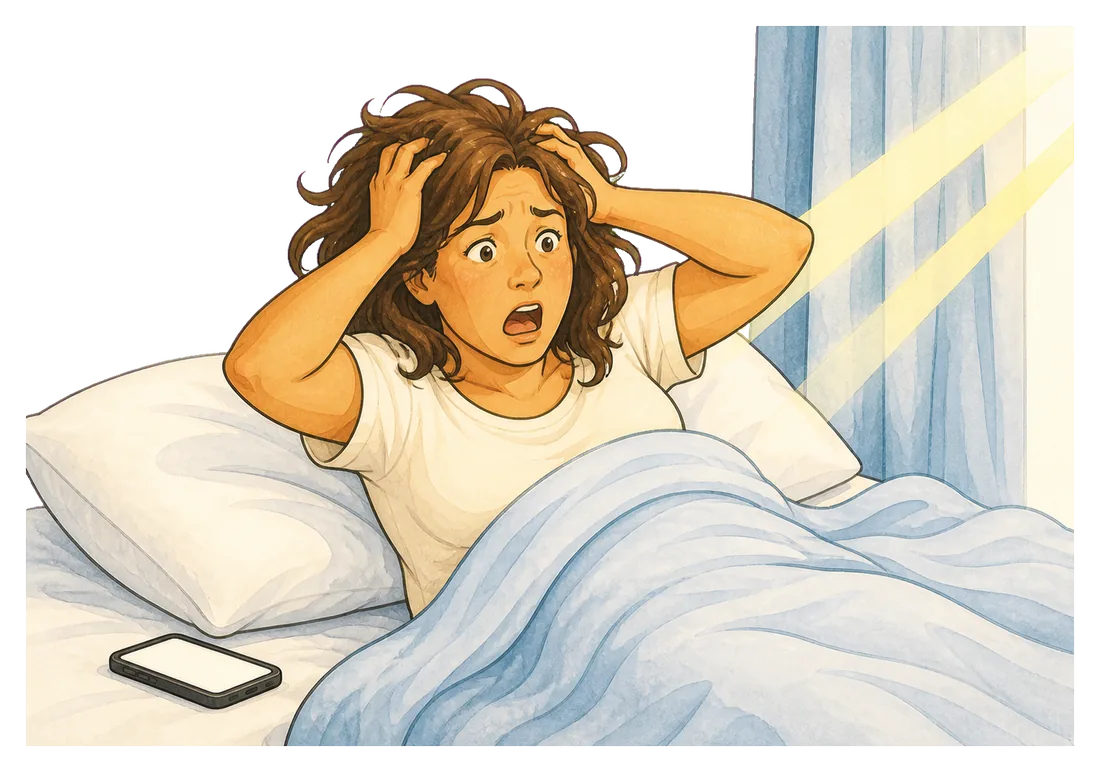
Then the room is the wrong brightness.

You are sitting up before you have worked out why. The light is wrong, the room is too warm, and the phone is about to tell you something you already know.

The alarm did go off. It is right there in the history. What is missing is any memory of the moment you ended it.

Adding a seventh alarm has never once been the answer.

Six alarms, two minutes apart, and the same hand switched off every one of them without waking you. The stack was never really a plan. It was a hope.

  • Each new alarm is one more thing half-asleep you can dismiss
  • The phone stays within arm’s reach, which is the actual problem
  • You start the day behind, and already braced for tomorrow
  • And the part nobody sees: you stop trusting yourself to wake up at all

First, work out which one is yours

Four ways a morning goes wrong. Mornio is built for one of them.

They all get called being a heavy sleeper, but they fail in different places and they need different fixes. Worth knowing which one is actually yours before you install anything, including this.

You slept through it

The tell: the alarm was still ringing when you finally woke up.

Start with the boring fixes. Volume, a sound with a sharp attack rather than a gentle fade, the phone off soft furnishings, and a backup alarm a few minutes later. If the alarm sounds quieter than it should, change your iPhone alarm volume before anything else.

Mornio is no louder than any other alarm here.
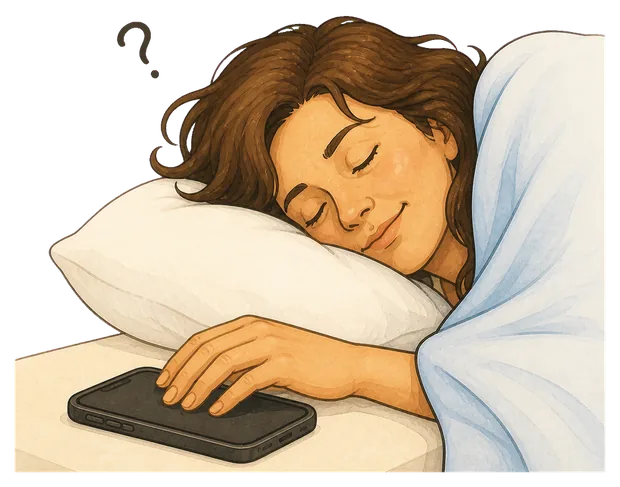
You turned it off asleep

The tell: the alarm was already off, and you have no memory of stopping it.

Nothing about volume touches this one. The alarm worked. What failed was that ending it took one movement you could make without waking.

This is the failure Mornio is built for.

The snooze loop

The tell: you remember every tap. You just kept making the same decision.

This one is a choice, made badly, several times. The useful move is to remove the option rather than to try harder at 6am.

Mornio removes the snooze, but the habit is the real fix.

Up, then not up

The tell: you were sitting on the edge of the bed. Ten minutes later you were horizontal.

Getting up was never the finish line. Something has to check on you after the alarm is over, because the alarm is over long before you are safe.

The stay-awake check is exactly this.

Being able to hear the alarm was never the problem.

It is that stopping it is too easy to finish. One tap and the whole system is over, decided by the least awake version of you there will be all day.

An ordinary alarm

  • Ring
  • Tap
  • Bed

Three steps, and every one of them can be done with your eyes shut and no memory of it afterwards.

Mornio

  • Ring
  • Get up
  • Scan
  • Checks again

Stopping the alarm takes a waking action, in another part of the room. And dismissing it is not the end of the process.

How it works

One alarm you can’t finish from bed.

It is an alarm that makes you get out of bed, and then checks that you stayed out of it. Three things happen, and the third one is the part other alarms skip.

1

The alarm rings

Built on Apple’s system alarm, so it sounds through silent mode, a Focus and a locked screen. A backup alarm a few minutes later covers the mornings you cannot afford to lose.

2

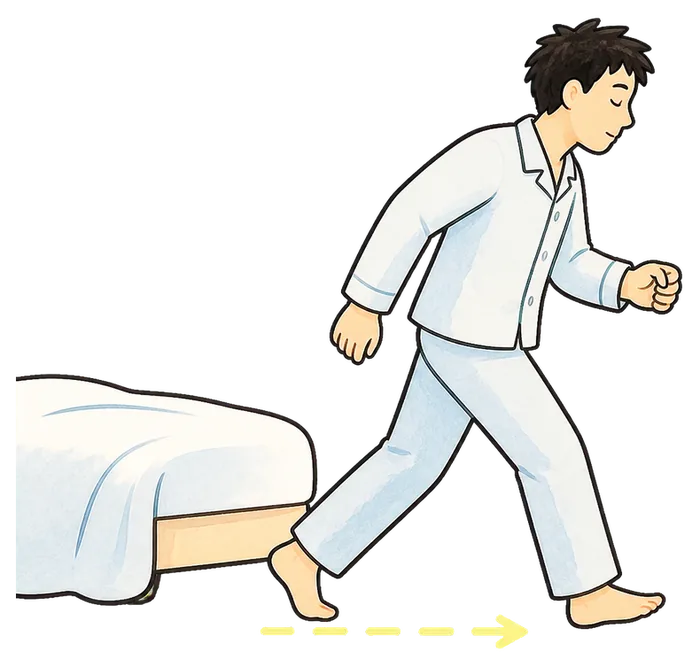
You get up to stop it

Dismissing the alarm means reaching the code you registered, wherever you chose to leave it. Only that exact code works, so there is no version of this you can do from under the duvet.

3

Then Mornio checks again

A few minutes after you dismiss it, the stay-awake check asks you to confirm you are still up. No answer, and protection restarts. This is the part built for the tap you do not remember.

Put the code beside your toothpaste, your coffee tin, the fridge, or the bag you leave with. Anywhere your morning already has to go.

Where to put it

The code is not the point. The walk to it is.

Distance is the whole mechanism. Far enough that reaching it means standing up, and somewhere your morning was going anyway, so the walk buys you something instead of just costing you.

  • The bedside tableReachable lying down, which is where every one of those six alarms died.
  • BathroomOn the mirror or the toothpaste. Light, cold water and a different room, all in one trip.
  • KitchenThe coffee tin, the kettle, the fridge. The alarm ends and the coffee starts in one movement.
  • By the front doorOn the bag or the shoes. Hardest to reach, and the strongest option on a morning you genuinely cannot miss.

You can register a printed QR code or an ordinary household barcode you already own. Up to two backup items can be added, so three codes in total, in case the first one is unreachable.

The honest way to try it

Don’t test Mornio while you’re already awake.

Every wake-up idea sounds workable at two in the afternoon. Use it on three mornings you actually have to get up for, which is what the free trial is for.

Morning one

Learn the flow

Set one alarm, not six. Register a code. Find out what it feels like when stopping the noise needs you upright.

Morning two

Move the code

Too easy means it was too close. Too annoying means you picked somewhere your morning does not really go. Adjust it.

Morning three

Judge it

Now there is something to compare. Did you remember the moment you turned it off? That is the whole question.

Three Protected Mornings are free, with every Pro feature included. No account, no card.

Plans

If it changes how you wake up, keep it.

Start on the free trial. Decide afterwards, on evidence.

Free

No card, no account

  • One protected alarm
  • QR or barcode Wake Check
  • Bedtime safety check
  • Recent alarm history

Enough to protect a single recurring wake-up time.

Mornio Pro

Monthly or annual, shown in the App Store

  • Unlimited protected alarms
  • Stay-awake check and automatic restart
  • Backup alarm protection
  • Full alarm history

Your first three Protected Mornings include every Pro feature, free.

Being straight about the limits: Mornio reduces the chance that a half-asleep dismissal costs you the morning. It cannot promise you will never oversleep, it is no louder than any other alarm if you sleep through a phone that is still ringing, it cannot help if the phone is off or flat, and there is a deliberate emergency dismissal, because an alarm you could never turn off would be the wrong thing to build. It also needs iOS 26.1 or later and there is no Android version.

Pricing is shown in the App Store and may vary by region. Subscriptions renew until cancelled and can be managed in your Apple account. See the Terms of Use and Privacy Policy.

7:06AM

Six minutes after the alarm, and you remember all of them.

Set Mornio tonight. Put the code somewhere you would have to stand up to reach. Then find out what the morning looks like when turning the alarm off is not something you can do in your sleep.

3 Protected Mornings free · No account · No card · iPhone, iOS 26.1+

Questions

Asked by people who keep missing mornings

Why do I turn my alarm off in my sleep?

Waking is not a switch. For a while after an alarm you can move, reach and tap while the parts of the brain that form memories and make decisions are still catching up. That is why the action feels like it never happened: you were awake enough to act, not awake enough to record it. It gets more likely when you are short on sleep, waking out of deep sleep, or waking at an hour your body does not expect. Our guide on waking up when you are a heavy sleeper goes further into it.

Will Mornio wake me if I sleep through ordinary alarms?

Not necessarily, and it would be dishonest to say otherwise. Mornio sounds through silent mode, Focus and a locked screen because it uses Apple’s system alarm, but if you genuinely sleep through a phone that is still ringing, Mornio is no louder than anything else. It is built for the other failure: the one where the alarm is already off and you cannot remember stopping it.

Does setting more alarms help?

Usually not on its own. Every extra alarm is one more thing half-asleep you can dismiss with the same reflex, and stacking them quietly teaches you that the first few do not matter. One alarm you cannot finish from bed tends to beat six you can.

Will the alarm sound if my phone is on silent or in a Focus?

Yes. Mornio’s alarm is built on Apple’s AlarmKit, the system alarm framework, so it sounds through silent mode, Focus and a locked screen. That framework is also why Mornio requires iOS 26.1 or later and is iPhone only.

Is snoozing actually bad?

The honest answer is that the research is mixed, and a short snooze does not appear to harm most people. The practical problem is different: snoozing hands the decision back to the least awake version of you, over and over, and a loop that starts at ten minutes rarely stays at ten minutes.

What if I’m a heavy sleeper and I also work shifts?

The mechanism is identical, and Mornio alarms can be set for any time of day, so a 2pm wake-up before a night shift works like a 7am one. The extra risk on a rota is a wrong or unset alarm after a shift change, which no app can catch for you. There is a whole page for that case: Mornio for shift workers.

Does Mornio need an account?

No. There is no sign-up, no email and no password. Your alarms and registered codes stay on your iPhone.

Is Mornio available on Android?

No. Mornio is iPhone only. The reliable alarm is built on Apple’s AlarmKit, which has no Android equivalent, so there is no Android version and none is planned.

MornioFree to try · iOS 26.1+ Download on theApp Store