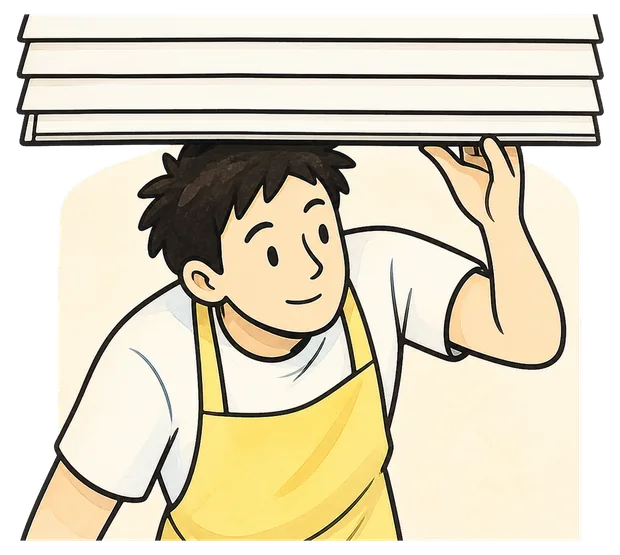
4:30
Opening shift
Bakeries, cafes, shop floors. The door has to be open before anyone else is awake, and there is no one to cover the first hour.
Mornio for shift workers
Mornio is an iPhone alarm for people who turn the alarm off without really remembering it. To dismiss it you get up and scan a code you left across the room. Then, a few minutes later, Mornio checks again.
See the morning it is built for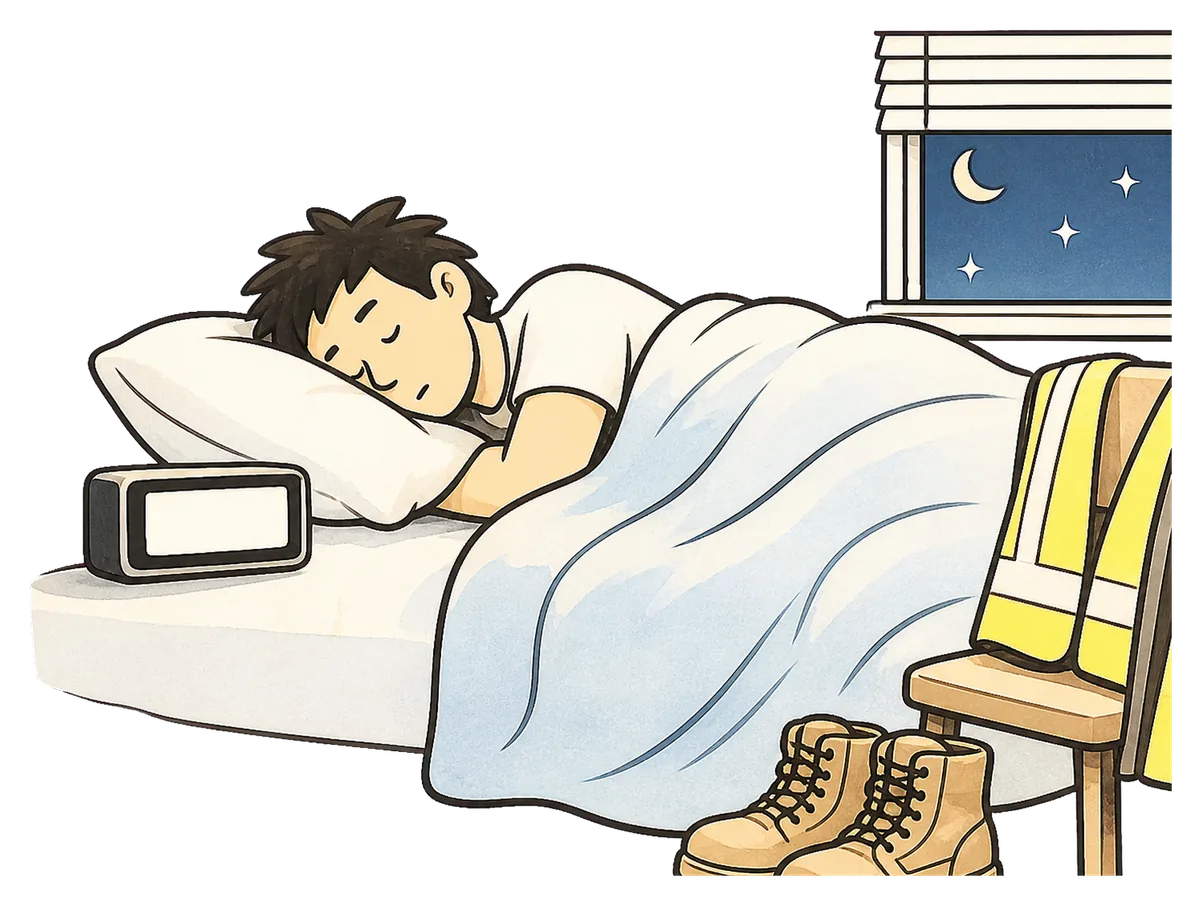
4:45AM
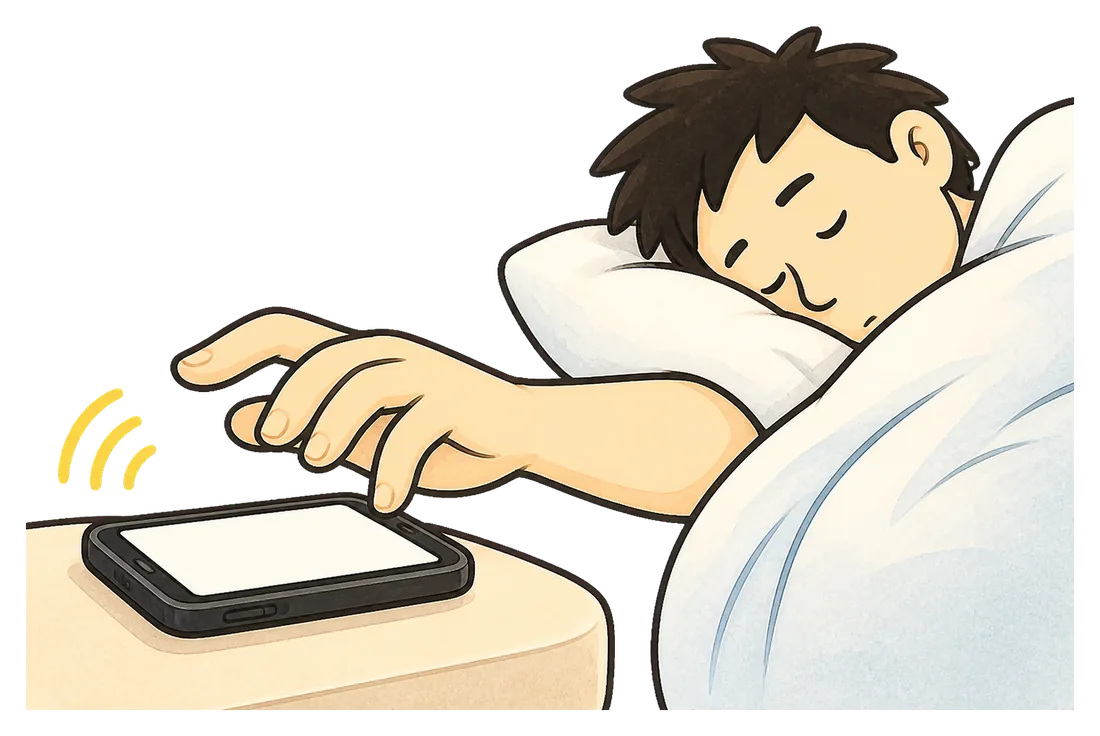
Awake enough to find the phone. Awake enough to stop the noise. Not awake enough to remember doing it an hour later.
Nothing about that moment feels like a decision. It is closer to a reflex, and reflexes do not care what time your shift starts.
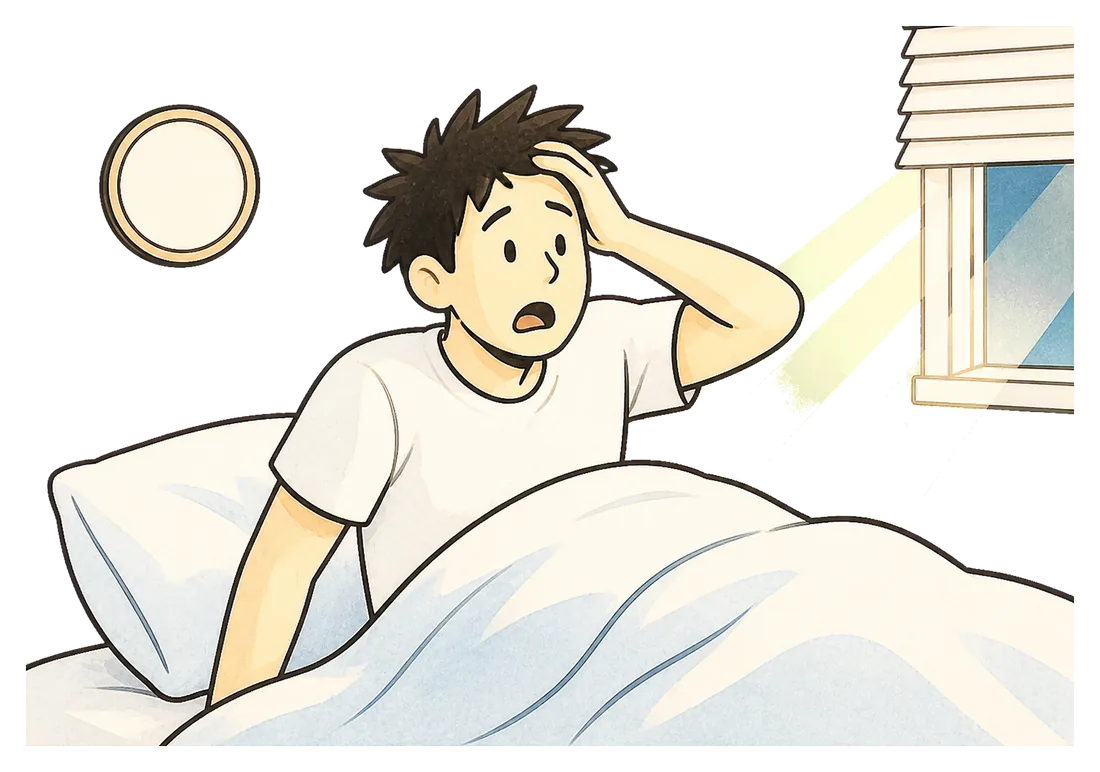
6:12AM
The light through the blinds is wrong. The room is the wrong brightness. You know before you look at anything.
Your shift already started twelve minutes ago, and there is nothing left to do about it except get there.
No breakfast. Keys somewhere. The vest grabbed off the chair on the way out. You arrive already behind, on a shift that is long enough as it is.

It is that it is too easy to finish. One swipe and the whole system is over, at the exact moment you are least able to judge whether you should be ending it.
Three steps, and every one of them can be done with your eyes shut and no memory of it afterwards.
Stopping the alarm takes a waking action, in another part of the room. And dismissing it is not the end of the process.
How it works
It is an alarm that makes you get out of bed, and then checks that you stayed out of it. Three things happen, and the third one is the part other alarms skip.
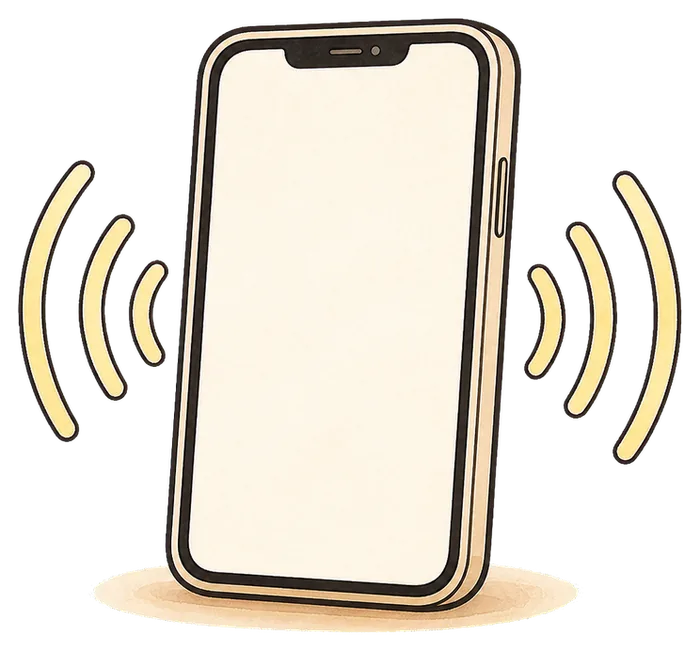
Built on Apple’s system alarm, so it sounds through silent mode, a Focus and a locked screen. A backup alarm a few minutes later is there for the mornings that matter most.
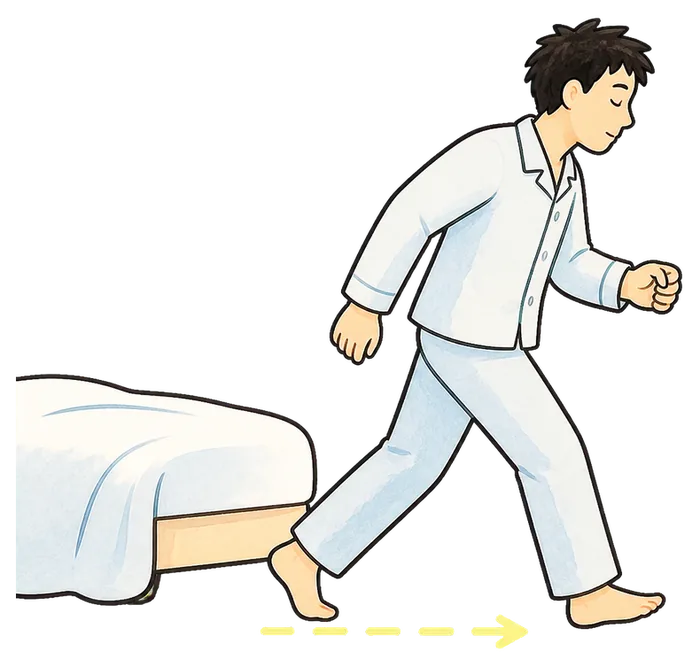
Dismissing the alarm means reaching the code you registered, wherever you chose to leave it. Only that exact code works, so there is no shortcut from under the duvet.

A few minutes after you dismiss it, the stay-awake check asks you to confirm you are still up. No answer, and protection restarts. This is the part built for the swipe you do not remember.
Put the code beside your coffee tin, your toothpaste, the fridge, or the work bag by the door. Anywhere your real morning already has to go.
Where to put it
The code is not the point. The walk to it is. Pick something you would be touching in ten minutes anyway, and the alarm stops being a thing you fight and starts being the first step of the morning.
You can register a printed QR code or an ordinary household barcode you already own. Up to two backup items can be added, so three codes in total, in case the first one is unreachable.
Different shifts, same five seconds
Early shifts, rotating shifts and night shifts each break ordinary wake-up advice in their own way. They fail at the same five seconds, though, whether the alarm is for a 4am start or the middle of the afternoon before a 12-hour night.
Bakeries, cafes, shop floors. The door has to be open before anyone else is awake, and there is no one to cover the first hour.

The load does not wait, the route does not move, and one late start pushes everyone behind you down the line too.

A twelve-hour shift is hard enough without starting it at a sprint. Handover happens whether or not you made it there calmly.
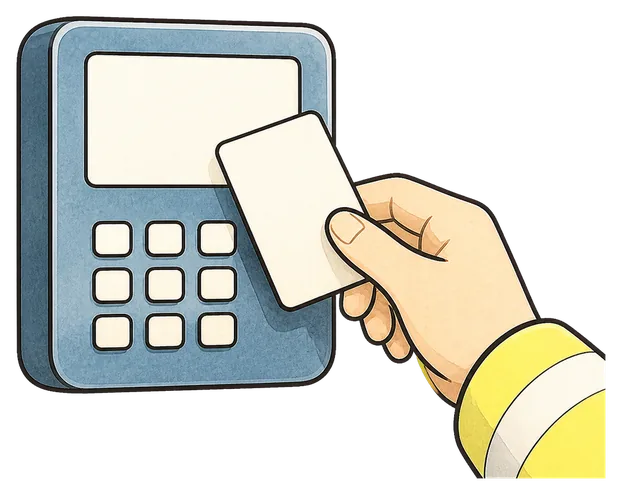
Somewhere there is a terminal, a handover or a relief who cannot leave until you arrive. The clock is not negotiating.
The honest way to try it
Anything about waking up sounds reasonable at two in the afternoon. Use it on three mornings you actually need to get up, which is what the free trial is for.
Morning one
Set the alarm, register a code, and find out what it actually feels like to have to stand up to stop the noise.
Morning two
Too easy means it was too close. Too annoying means you picked somewhere your morning does not really go. Adjust it.
Morning three
Now you have something to compare. Did the morning change, or did it not? That is a fair question by day three.
Three wake-ups are free, with every Pro feature included. No account, no card.
Plans
Start on the free trial. Decide afterwards, on evidence.
No card, no account
Enough to test it on a real rota start before you decide.
Monthly or annual, shown in the App Store
Your first three wake-ups include every Pro feature, free.
Being straight about the limits: Mornio reduces the chance that a half-asleep dismissal costs you the morning. It cannot promise you will never oversleep, it cannot help if the phone is off or flat, and there is a deliberate emergency dismissal, because an alarm you could never turn off would be the wrong thing to build. It also needs iOS 26.1 or later and there is no Android version.
Pricing is shown in the App Store and may vary by region. Subscriptions renew until cancelled and can be managed in your Apple account. See the Terms of Use and Privacy Policy.

5:03AM
Set Mornio tonight. Put your checkpoint where your morning already goes. Then use it for a shift you actually cannot sleep through.
Questions
Yes. An alarm can be set for any time of day, so a 2pm wake-up before a night shift works exactly like a 4am one. The name is about the app, not about a time on the clock.
Yes. Mornio’s alarm is built on Apple’s AlarmKit, the system alarm framework, so it sounds through silent mode, Focus and a locked screen. That framework is also the reason Mornio requires iOS 26.1 or later and is iPhone only.
That is what the stay-awake check is for. A few minutes after you dismiss the alarm, Mornio asks you to confirm you are still up. You pick the delay when you create the alarm, or switch it off. If you do not respond, Mornio restarts protection.
No. There are no streaks to keep and no penalty for a missed morning, so a rota change costs you nothing. Alarms are set individually, which suits a schedule that moves. Worth saying plainly though: the most common way shift workers miss a start is a wrong or unset alarm after a rota change, and no app can catch that for you. Setting it the moment you learn the shift is still the single most useful habit. Our shift worker guide goes into that properly.
Not much, and the two problems travel together more often than not. They are worth telling apart though. If you sleep through alarms completely and wake up to a phone that is still ringing, start with volume, placement and a backup alarm. If the alarm is already off and you have no memory of stopping it, that second failure is the one Mornio is built for. Our guide for heavy sleepers covers both cases and says which apps suit each.
Somewhere your real morning already goes, far enough from the bed that reaching it means standing up. The bathroom mirror, the coffee tin, the fridge, or the work bag by the front door all work well. You can register a printed QR code or an ordinary household barcode you already own.
You can add up to two backup scan items, so three codes in total. There is also an emergency dismissal. An alarm that could never be turned off would be unsafe if you were away from home or the code was damaged, so that escape hatch is deliberate.
No. There is no sign-up, no email and no password. Your alarms and registered codes stay on your iPhone.
No. Mornio is iPhone only. The reliable alarm is built on Apple’s AlarmKit, which has no Android equivalent, so there is no Android version and none is planned.