Mornio for snoozers

Five more minutes became forty-five. Again.

Mornio is an iPhone alarm with no snooze button to press. To turn it off you get up and scan a code you left across the room. Then, a few minutes later, it checks you are still up.

Three Protected Mornings free · No account, no card · iPhone, iOS 26.1+

See the morning it is built for

6:00AM

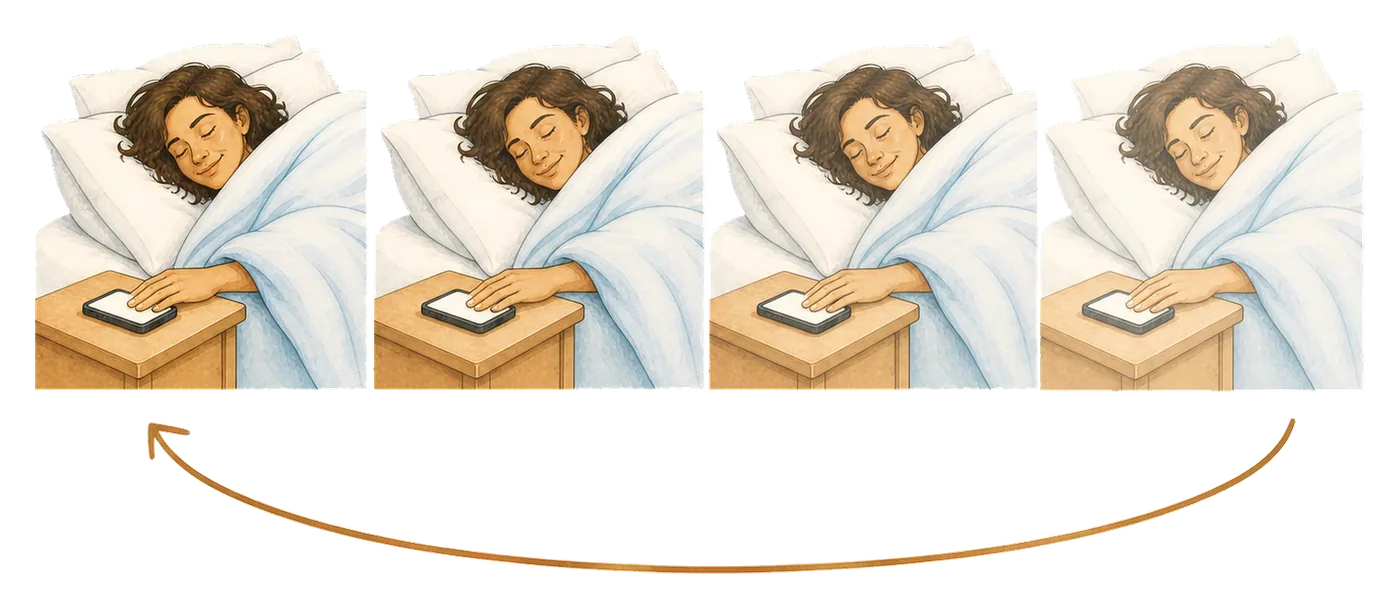
The first one is always reasonable.

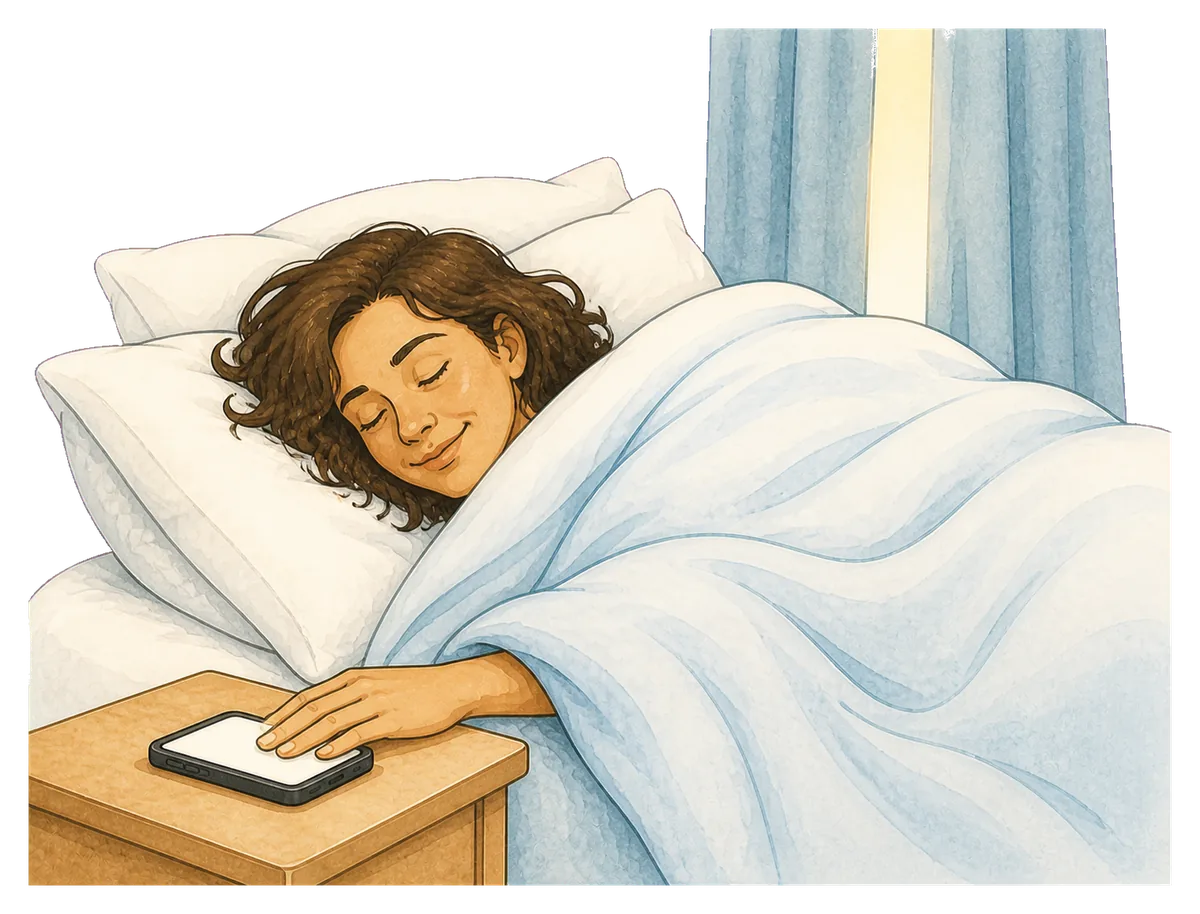
You are awake. You know exactly what you are doing. Nine minutes is nothing, and the bed has never been better than it is in this precise moment.

Nobody has ever regretted the first snooze. That is what makes it so easy to take the second one.
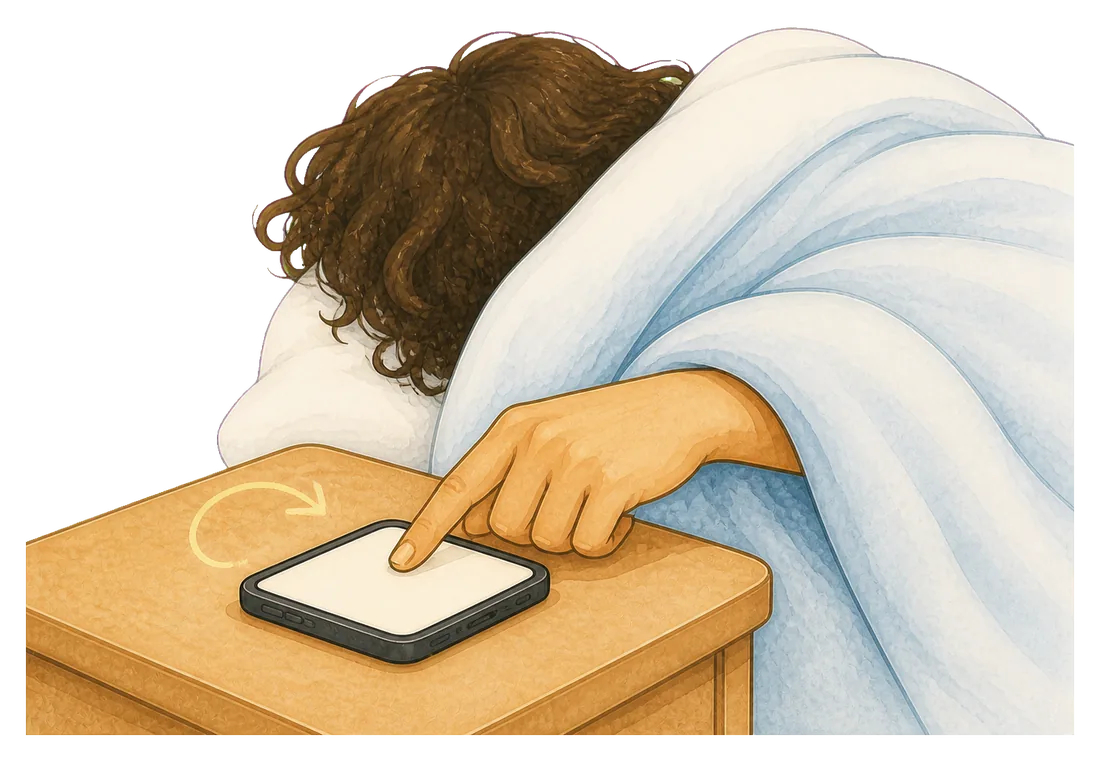
Then the same decision, five more times.

Each one feels exactly as reasonable as the first, because the person making it is a little less awake every round.

  • 6:09
  • 6:18
  • 6:27
  • 6:36
  • 7:02

7:02AM

And then the arithmetic stops working.

Sixty-two minutes, spent nine at a time, none of which were restful sleep and all of which felt like a small kindness at the time.

The worst part is that you remember every one of them. There is no mystery here to solve, which is exactly why willpower has not fixed it.

Not the same problem

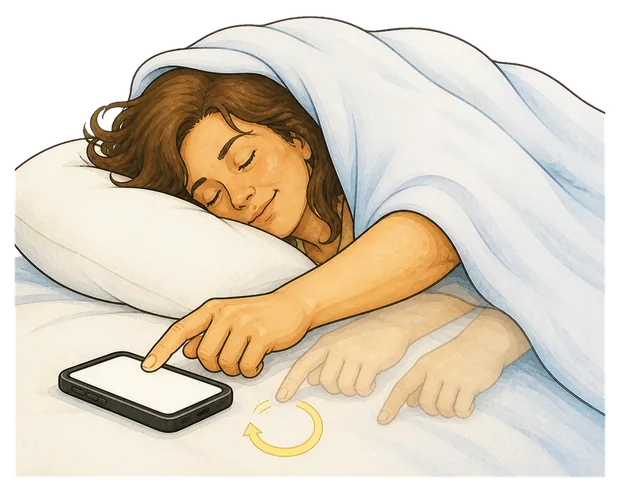
You remember all of it. That is what makes snoozing different.

People who sleep through alarms cannot remember the alarm. People who dismiss them half asleep cannot remember the dismissal. You can remember every single tap, which rules out most of the usual advice.

  • A louder alarmYou heard it. Six times. Volume was never the variable.
  • More alarmsA stack of them just gives the same decision more chances to be made badly.
  • Trying harder at 6amThe version of you deciding at 6:27 is not the version who set the alarm at 11pm, and is losing every round.
  • Removing the optionThere is no snooze to press if stopping the alarm means standing up and scanning something in another room.

Being fair about this: the habit is the real fix, and an app is a lever on it rather than a cure. What Mornio changes is who gets to make the decision, by making the easy option unavailable to the half-asleep version of you.

A snooze button is a negotiation you always lose.

It is too easy to finish. One tap, nine minutes, and the whole thing is handed back to someone with worse judgement than you had a moment ago.

An ordinary alarm

  • Ring
  • Snooze
  • Snooze
  • Snooze
  • Late

The button is right there, it costs nothing, and it is available again in nine minutes.

Mornio

  • Ring
  • Get up
  • Scan
  • Checks again

No button, and no nine minutes. Stopping the alarm takes a waking action in another part of the room.

How it works

An alarm that makes you get out of bed, then checks you stayed out of it.

Three things happen, and the third one is the part that matters if you have ever got up, turned it off and gone straight back.

1

The alarm rings

Built on Apple’s system alarm, so it sounds through silent mode, a Focus and a locked screen. There is no snooze control on it.

2

You get up to stop it

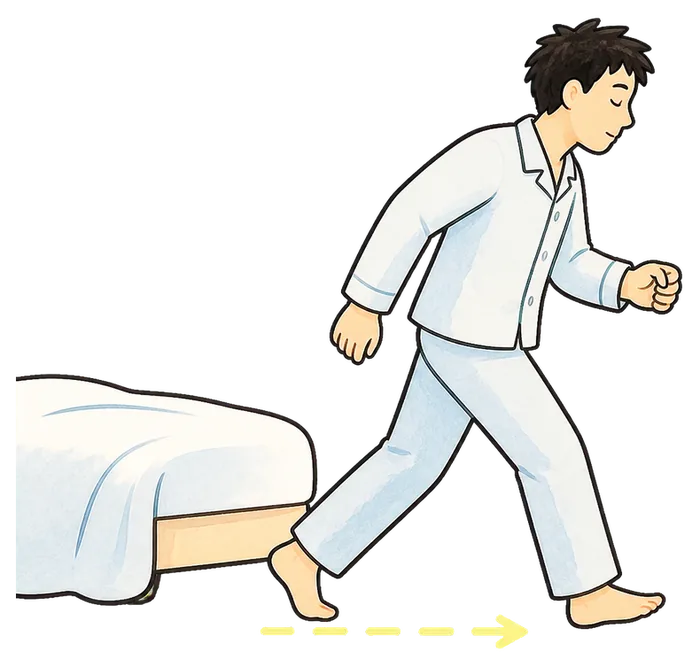
Dismissing the alarm means reaching the code you registered, wherever you chose to leave it. Only that exact code works, so there is no tap that buys you nine more minutes.

3

Then Mornio checks again

A few minutes after you dismiss it, the stay-awake check asks you to confirm you are still up. No answer, and protection restarts. Getting up was never the finish line.

Put the code beside your coffee, your toothpaste, the fridge, or the bag you leave with. Anywhere far enough that going back to bed would be a decision rather than a reflex.

The honest way to try it

Don’t test Mornio while you’re already awake.

Every wake-up plan sounds workable at two in the afternoon. Use it on three mornings you actually have to get up for, which is what the free trial is for.

Morning one

Set an honest time

Not the fantasy alarm you intended to snooze through. Work back from when you have to leave and set that.

Morning two

Move the code

Too close and it changes nothing. Too far and you will resent it by Thursday. Somewhere your morning already goes is the answer.

Morning three

Count the taps

Zero, because there is nothing to tap. The question by day three is whether the hour you used to spend snoozing came back.

Three Protected Mornings are free, with every Pro feature included. No account, no card.

Plans

If it gives you back the hour, keep it.

Start on the free trial. Decide afterwards, on evidence.

Free

No card, no account

  • One protected alarm
  • QR or barcode Wake Check
  • Bedtime safety check
  • Recent alarm history

Enough to protect a single recurring wake-up time.

Mornio Pro

Monthly or annual, shown in the App Store

  • Unlimited protected alarms
  • Stay-awake check and automatic restart
  • Backup alarm protection
  • Full alarm history

Your first three Protected Mornings include every Pro feature, free.

Being straight about the limits: Mornio removes the snooze button, but the habit underneath it is yours and an app is a lever rather than a cure. It cannot promise you will never oversleep, it cannot help if the phone is off or flat, and there is a deliberate emergency dismissal, because an alarm you could never turn off would be the wrong thing to build. It also needs iOS 26.1 or later and there is no Android version.

Pricing is shown in the App Store and may vary by region. Subscriptions renew until cancelled and can be managed in your Apple account. See the Terms of Use and Privacy Policy.

6:04AM

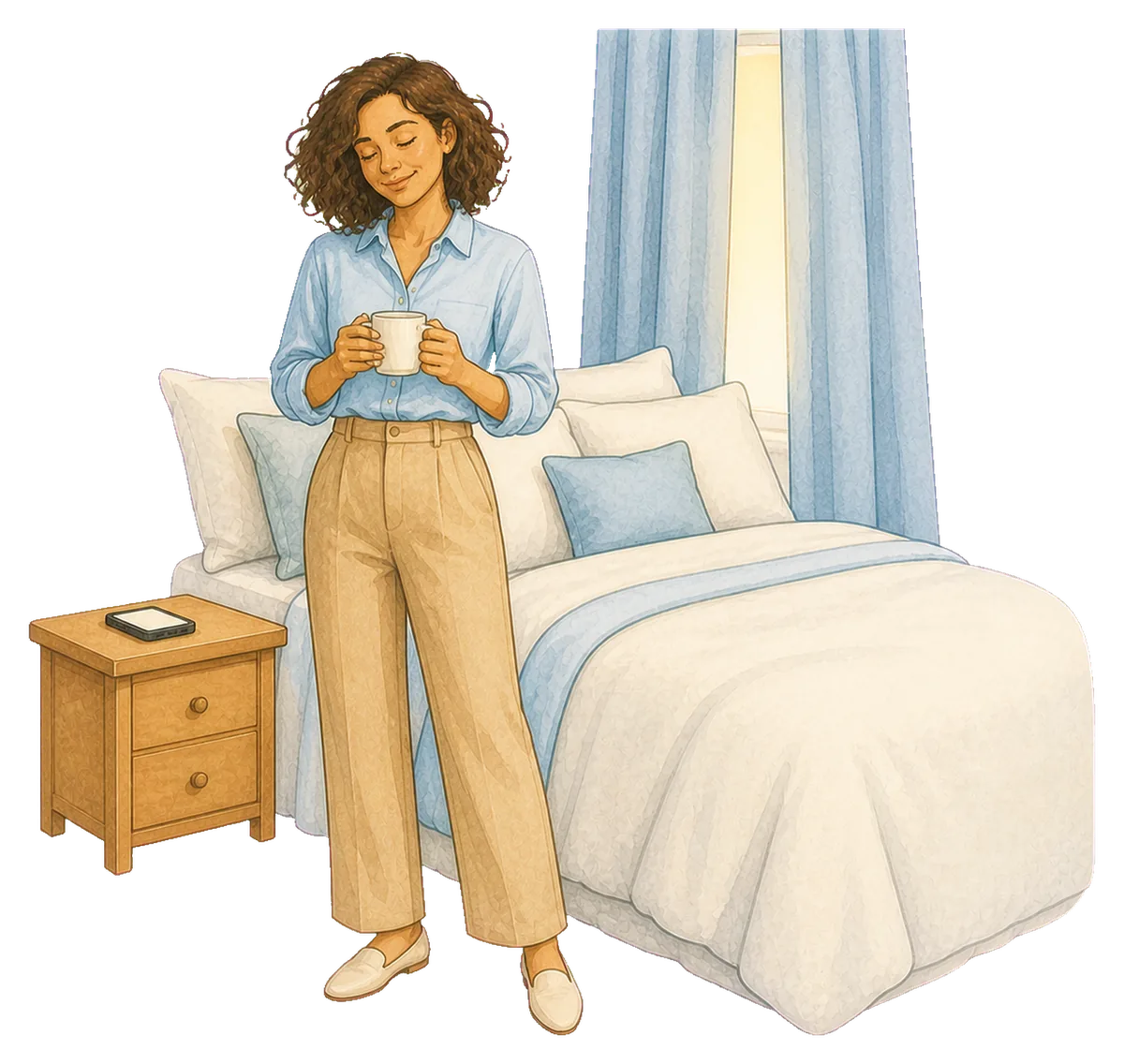
The same bed. Fifty-eight minutes back.

Set Mornio tonight, for the time you actually mean. Put the code somewhere you would have to stand up to reach. Then find out what the morning looks like when there is nothing to press.

3 Protected Mornings free · No account · No card · iPhone, iOS 26.1+

Questions

Asked by people mid-loop

Is snoozing actually bad for you?

The research is genuinely mixed, and a short snooze does not appear to harm most people. The practical problem is a different one from the health question: snoozing hands the decision back to the least awake version of you, over and over, and a loop that starts at ten minutes rarely stays at ten minutes.

Does Mornio have a snooze button?

No. There is nothing to press that gives you nine more minutes. The alarm ends when you scan the code you registered, which means getting up and walking to wherever you left it.

What if I genuinely need a few minutes to wake up properly?

Then set the alarm for the time you actually intend to get up, rather than earlier so you can snooze into it. Most snooze stacks are a way of negotiating with a wake-up time that was never realistic in the first place. Working backwards from when you have to leave usually produces a later and more honest alarm, and a calmer morning.

I already put my phone across the room. Why would this be different?

Because walking across a room and tapping a screen is still one action you can complete half asleep, and most people quietly learn to do it and get back into bed. Mornio needs a specific code scanned, so the walk has a destination you chose, and a few minutes later it checks that you stayed up.

What happens if I scan it and go back to bed anyway?

That is what the stay-awake check is for. A few minutes after you dismiss the alarm, Mornio asks you to confirm you are still up. If you do not respond, it restarts protection. You pick the delay when you create the alarm, or switch it off. Our guide on falling back asleep after the alarm covers that failure properly.

Will the alarm sound if my phone is on silent or in a Focus?

Yes. Mornio’s alarm is built on Apple’s AlarmKit, the system alarm framework, so it sounds through silent mode, Focus and a locked screen. That is also why Mornio requires iOS 26.1 or later and is iPhone only.

Does Mornio need an account?

No. There is no sign-up, no email and no password. Your alarms and registered codes stay on your iPhone.

Is Mornio available on Android?

No. Mornio is iPhone only. The reliable alarm is built on Apple’s AlarmKit, which has no Android equivalent, so there is no Android version and none is planned.

MornioFree to try ยท iOS 26.1+ Download on theApp Store