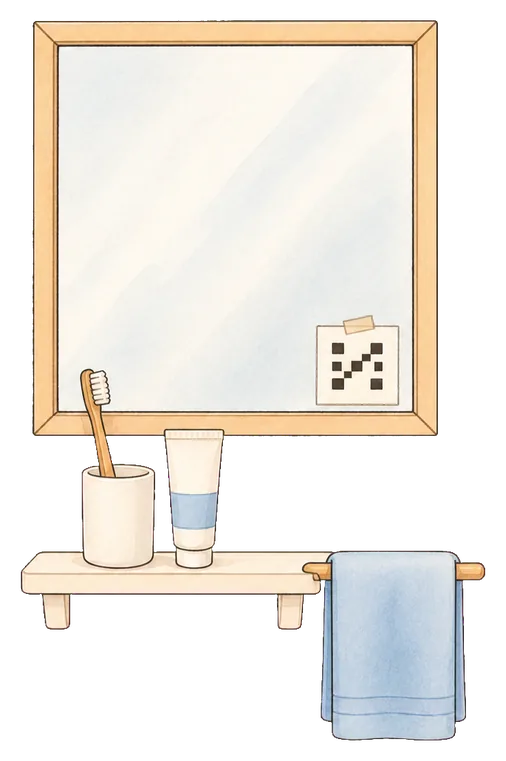
The bathroom mirror
A printed code taped to the corner. Light, cold water and a different room, all in one trip. The most popular choice by a distance.
How it works
Mornio stops when you scan a code you left across the room, not when you tap the phone. Then, a few minutes later, it checks you are still up.
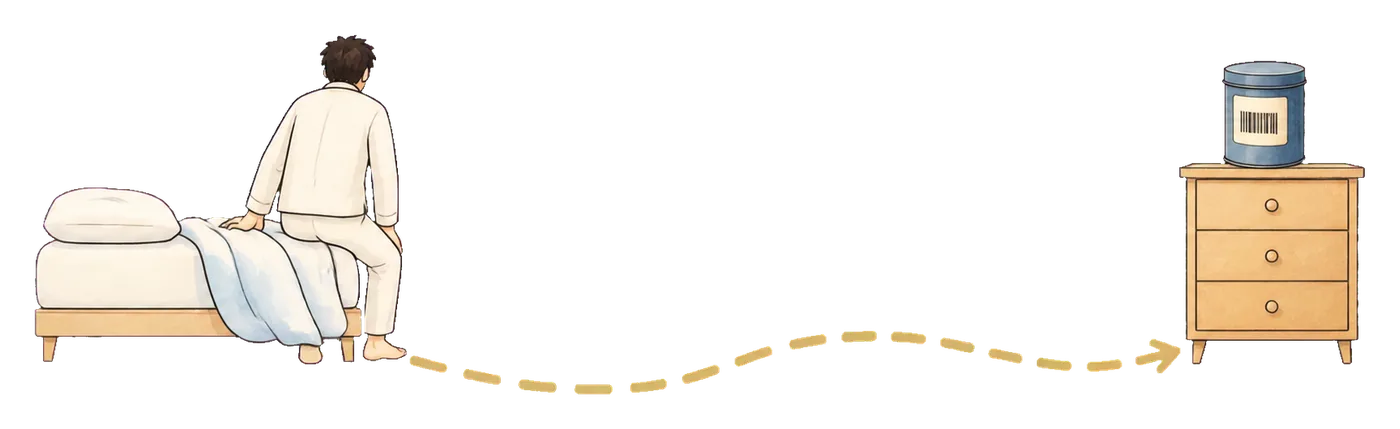
If you have already worked out that the tap is the problem, you do not need convincing. You need to know what stops the alarm, where the thing you scan lives, and what happens if you go back to bed anyway.
Every step is reachable from where you are lying, and doable with your eyes shut.
The last step is the one most alarms do not have, and the one this page is really about.
Question one
A specific code you registered in advance. Not a button, not a slider, and not anything the phone can produce on its own.
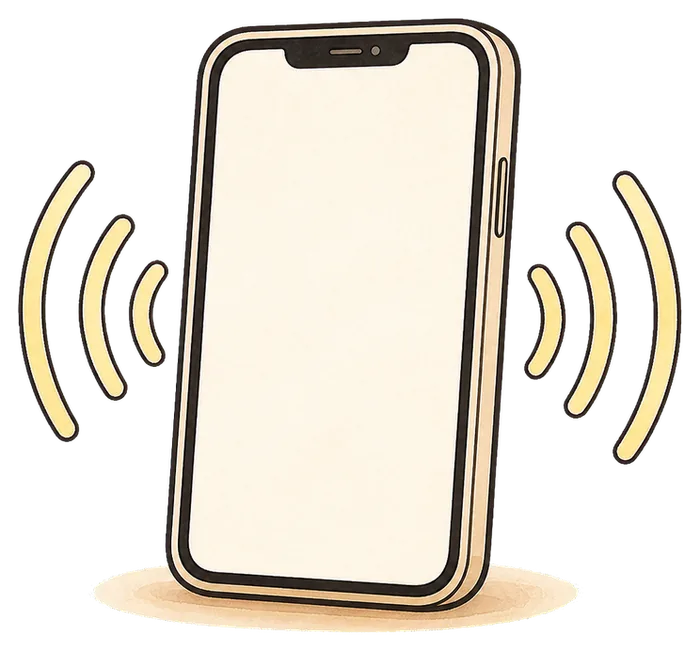
Built on Apple’s system alarm, so it sounds through silent mode, a Focus and a locked screen. There is no snooze control on it.
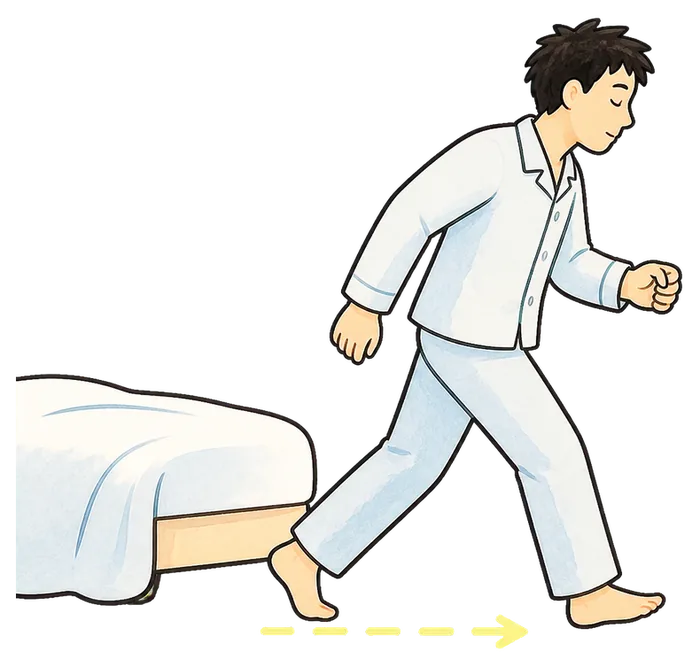
Wherever you chose to leave it. This is the whole mechanism: the distance is not a punishment, it is the part that wakes you.
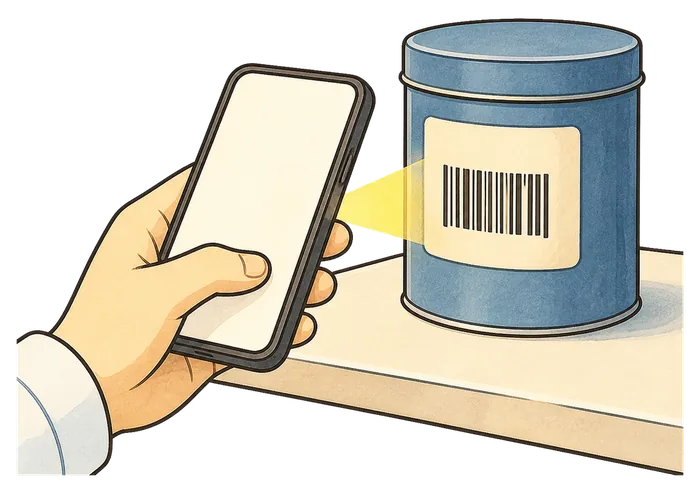
A printed QR code, or an ordinary barcode you already own. Only the exact code you registered works, so a different tin will not do.
Question two
Somewhere your morning already goes. Pick a spot you would be touching in ten minutes anyway and the walk buys you something instead of just costing you.
A printed code taped to the corner. Light, cold water and a different room, all in one trip. The most popular choice by a distance.
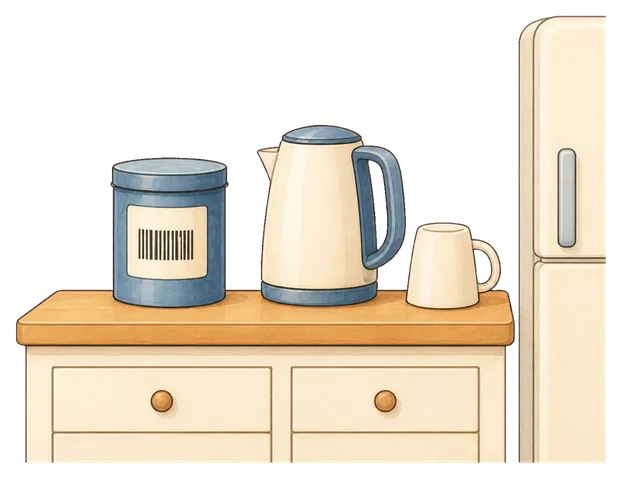
No printing needed: the barcode already on the tin works. The alarm ends and the coffee starts in one movement.
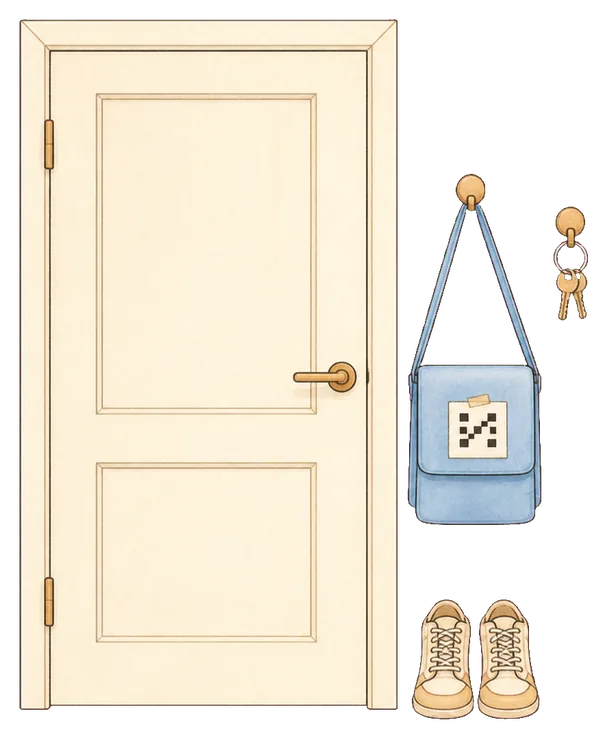
Hardest to reach, and the strongest option on a morning you genuinely cannot miss. By the time you have scanned it you are dressed and nearly out.
One place that does not work: the bedside table. If you can reach it lying down, nothing has changed.
You can register up to two backup items as well, so three codes in total, for when the first one is unreachable. Need a code to print? Our free QR code generator makes one in the browser and never sends it anywhere.
Question three
This is the honest weak point of every get-out-of-bed alarm, and most of them stop here. Standing up for eleven seconds and returning to bed satisfies the mission and changes nothing.
Being straight about the limits: this reduces the chance that a half-asleep dismissal costs you the morning. It cannot promise you will never oversleep, it is no louder than any other alarm if you sleep through a phone that is still ringing, and there is a deliberate emergency dismissal. It needs iOS 26.1 or later and there is no Android version.
Plans
Every wake-up idea sounds workable at two in the afternoon. The trial is three mornings you actually have to get up for, with every Pro feature included.
No card, no account
Enough to protect a single recurring wake-up time.
Monthly or annual, shown in the App Store
Your first three wake-ups include every Pro feature, free.
Pricing is shown in the App Store and may vary by region. Subscriptions renew until cancelled and can be managed in your Apple account. See the Terms of Use and Privacy Policy.
Then find out what a morning looks like when stopping the alarm is not something you can do lying down.
Questions
You can, and it helps. The usual failure is that walking over and tapping the screen is still one action you can complete half asleep, so people learn to do it and get straight back into bed. A code gives the walk a destination you chose, and it cannot be satisfied from the phone itself.
You can register up to two backup scan items, so three codes in total. There is also an emergency dismissal, because an alarm you could never turn off would be unsafe rather than effective.
No. Any ordinary barcode you already own works, and most people use a coffee tin, a toothpaste tube or a cereal box. If you would rather print a QR code, our free generator makes one in the browser and never sends it anywhere.
Yes. The alarm is built on Apple’s AlarmKit, the system alarm framework, so it sounds through silent mode, Focus and a locked screen. That is also why it requires iOS 26.1 or later and is iPhone only.
Several do something similar with different missions: maths problems, photos of a specific place, shaking, squats. We wrote a comparison of the iPhone alarm apps that genuinely get you out of bed, ranked by how hard each mission is to fake half asleep, including where the others beat us.
Then this is not your problem and this is not your fix. An alarm still ringing when you wake is a volume, surface and distance question, and Mornio is no louder than the Clock app. Start with the free fixes for sleeping through alarms instead.